
FTTEGO Interactive Display
FTTEGO Interactive Display
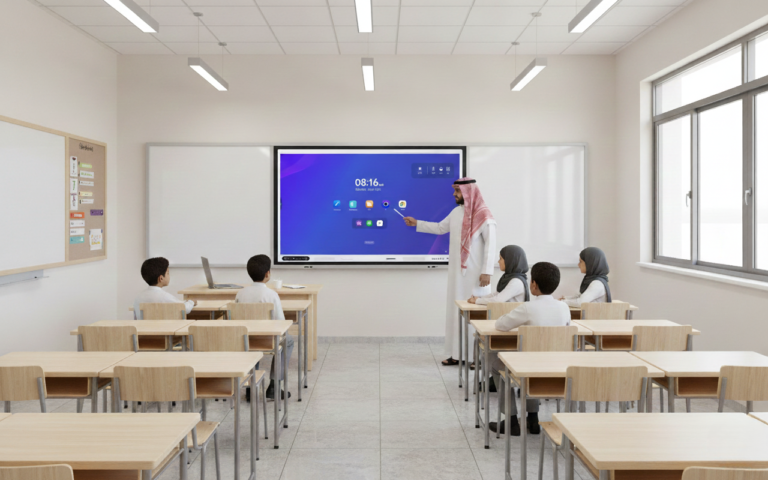
What Is the FTTEGO Interactive Display?
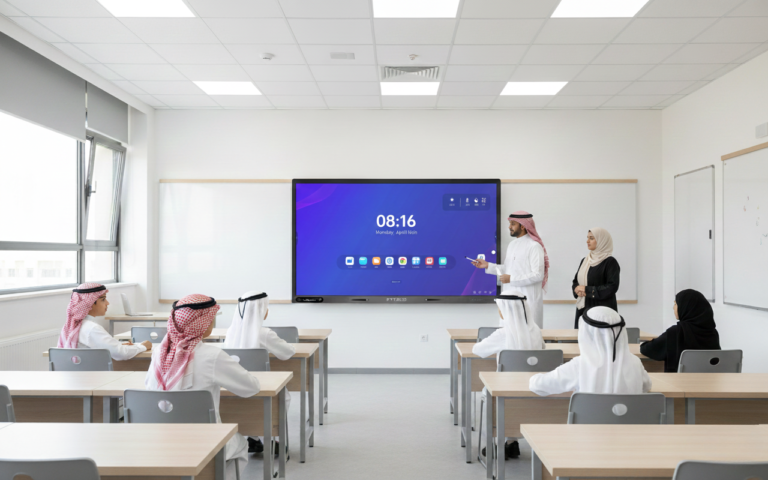
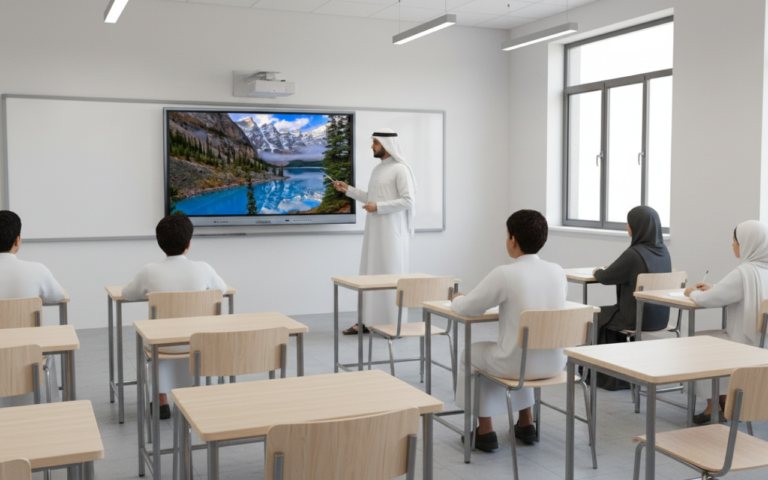
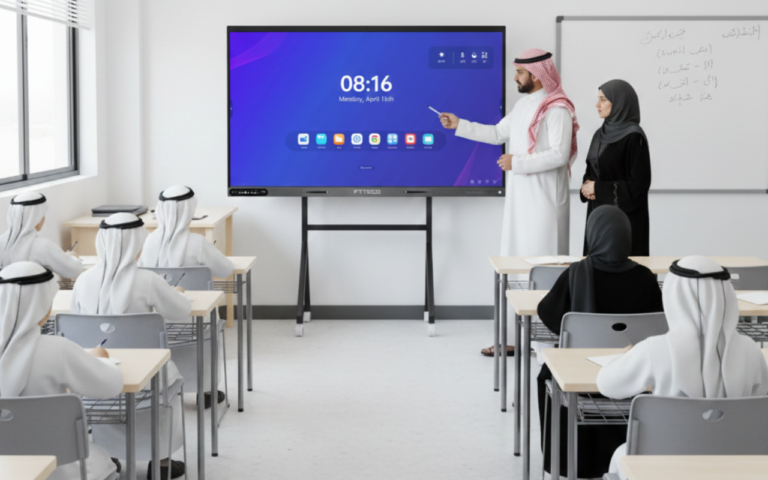
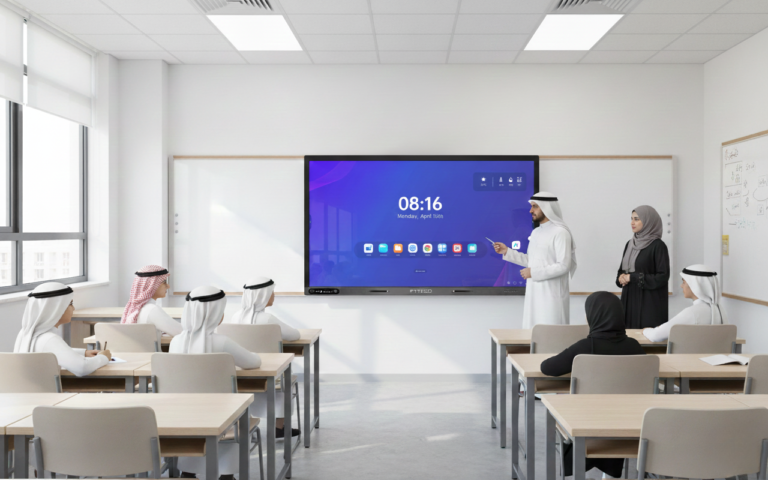
The FTTEGO interactive display is an advanced educational interactive screen designed to be the core of the modern classroom and a complete replacement for traditional projectors and whiteboards.
FTTEGO delivers a fully integrated smart learning environment that combines:
- Ultra-clear visual display
- Direct interaction between teachers and students
- Built-in digital teaching tools
- Secure and centralized device management
The result: clearer explanations, higher student engagement, and less wasted class time.
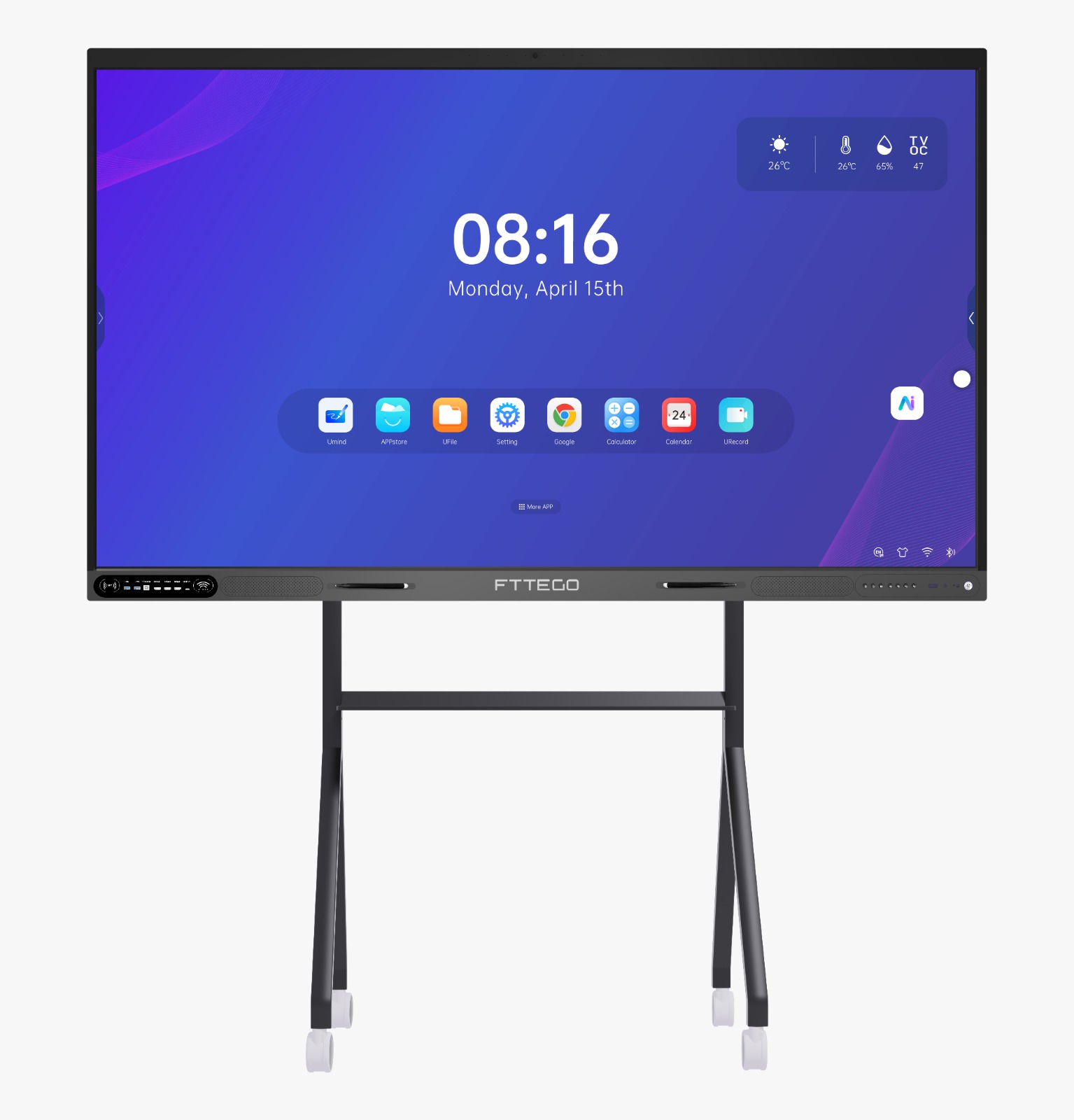
Why Choose FTTEGO?
Advanced Learning Experience
- Transforms traditional lessons into interactive experiences
- Actively engages students instead of passive viewing
- Improves comprehension and focus
Easy for Teachers
- No technical expertise required
- Instant start with no complex setup
- Simple interface and intuitive tools
A Smart Investment for Schools
- Lower maintenance costs compared to projectors
- Long operational lifespan designed for intensive use
Continuous updates that preserve device value
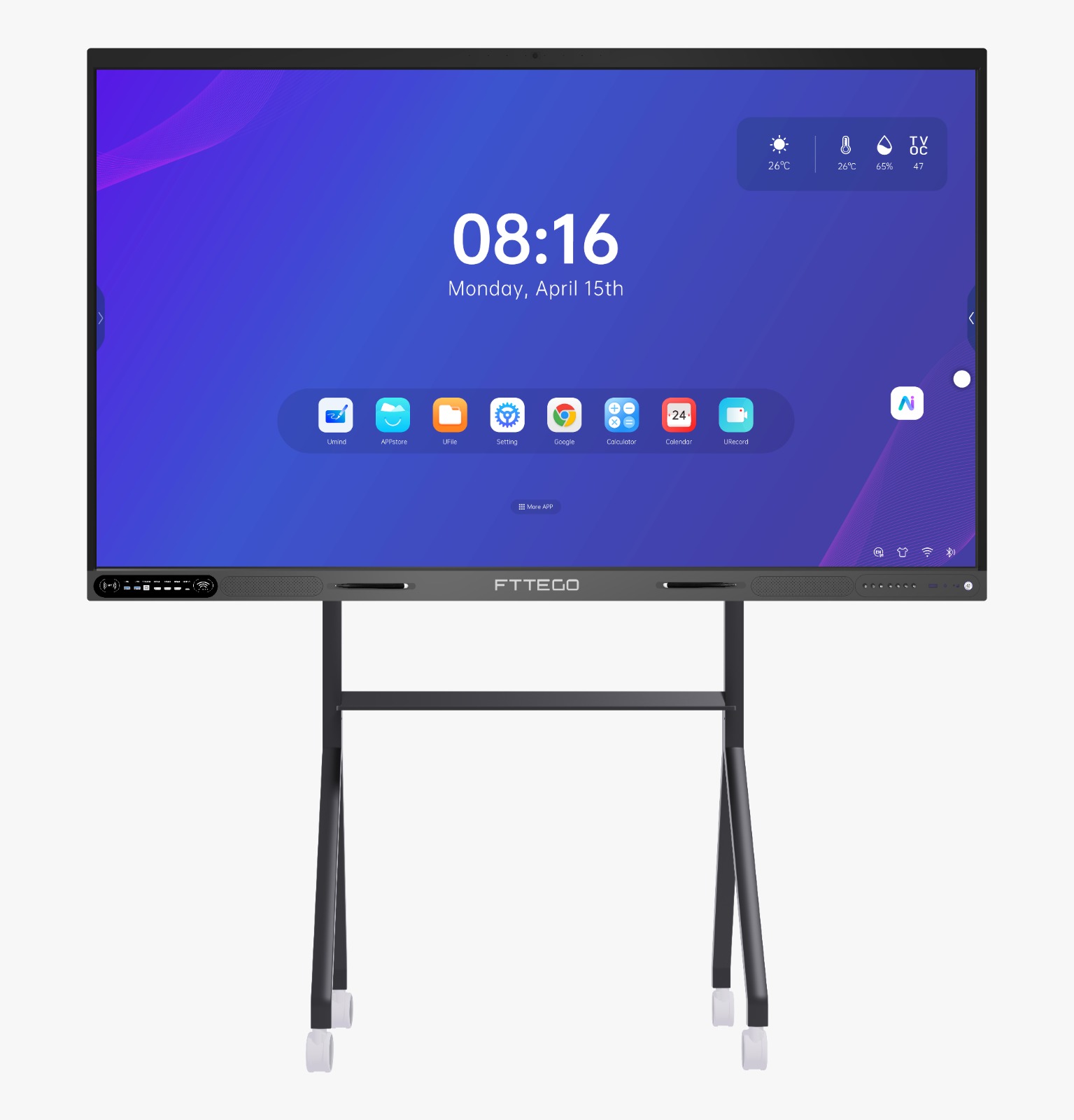
Technical Specifications
The FTTEGO interactive display is engineered for high performance in educational environments and built to operate reliably for many years using powerful, education-grade components.
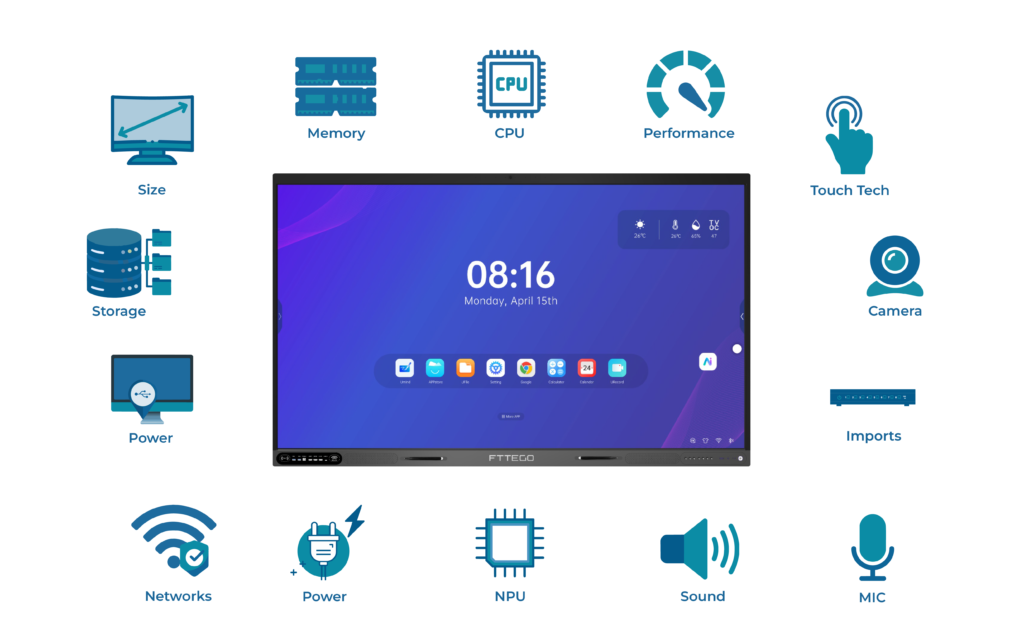
Processor & Performance
- Processor: Rockchip RK3588
- Architecture: Octa-Core
- Core Type: High-performance Cortex-A76
- Processing Speed: Up to 2.4GHz
- GPU: Mali-G610 MC4
- AI NPU: Up to 6 TOPS
Educational Benefit:
Smooth 4K playback, responsive smart whiteboard performance, and stable operation during long teaching sessions.
Memory & Storage
- RAM: 8 / 16 / 32 GB DDR4
- Internal Storage: 128 / 256 GB
Educational Benefit:
Store large volumes of lessons and media while running multiple applications smoothly.
Display & Touch Technology
- Available Sizes: 65” / 75” / 86”
- Resolution: 4K Ultra HD (3840×2160)
- Panel Type: LED
- Glass: Anti-glare tempered glass (Mohs 7)
- Touch Points: Up to 40 simultaneous touch points
- Touch Accuracy: Up to 1 mm
Educational Benefit:
Clear visibility from all classroom angles and simultaneous multi-student interaction.
Audio & Camera
- Built-in front speakers up to 60W
- 8 built-in microphones
- Optional camera for remote learning and smart tracking
Connectivity
- Wi-Fi 6 (2.4GHz / 5GHz)
- Bluetooth 5.2
- LAN (RJ45)
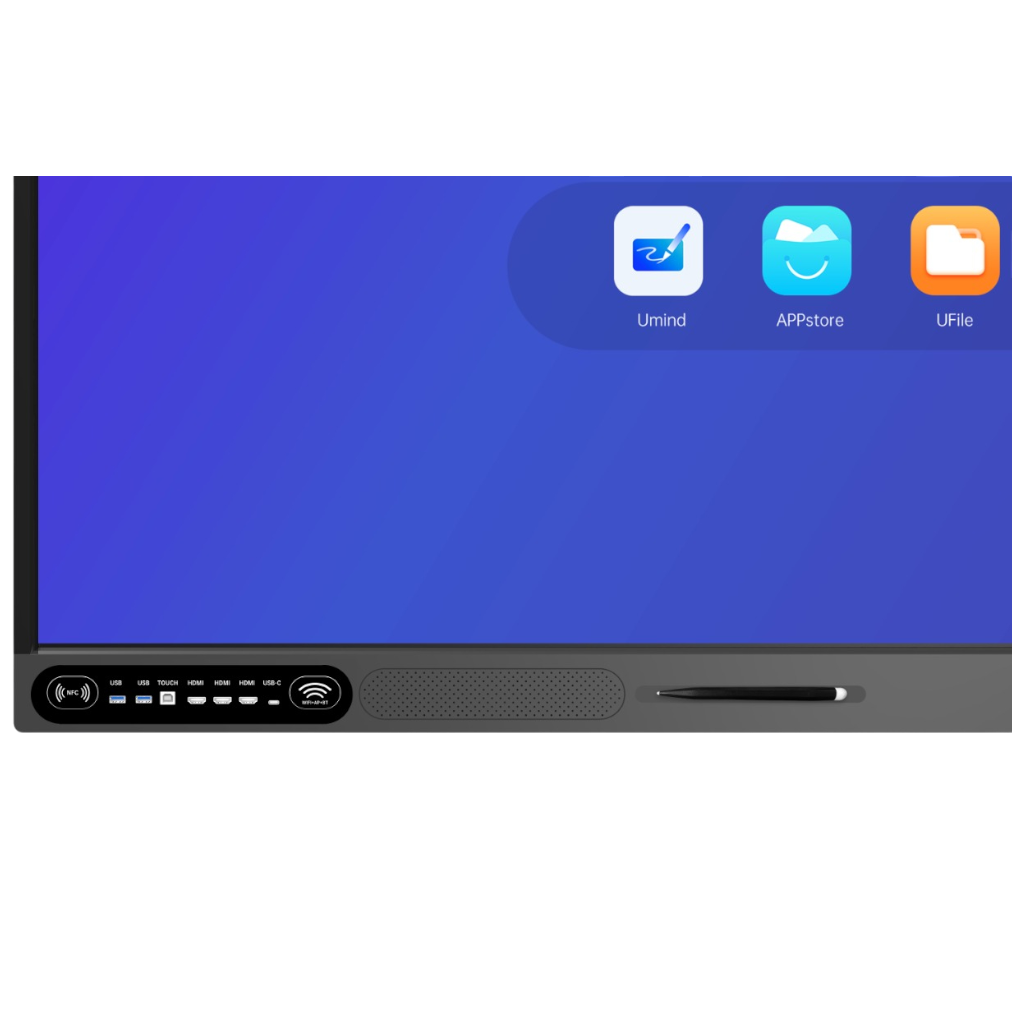
Ports & Interfaces
- HDMI IN / HDMI OUT
- USB 3.0
- USB Type-C (Display + Data + Charging)
- DisplayPort (DP)
- VGA / RS232
- OPS slot for Windows PC (optional)
Security & Power
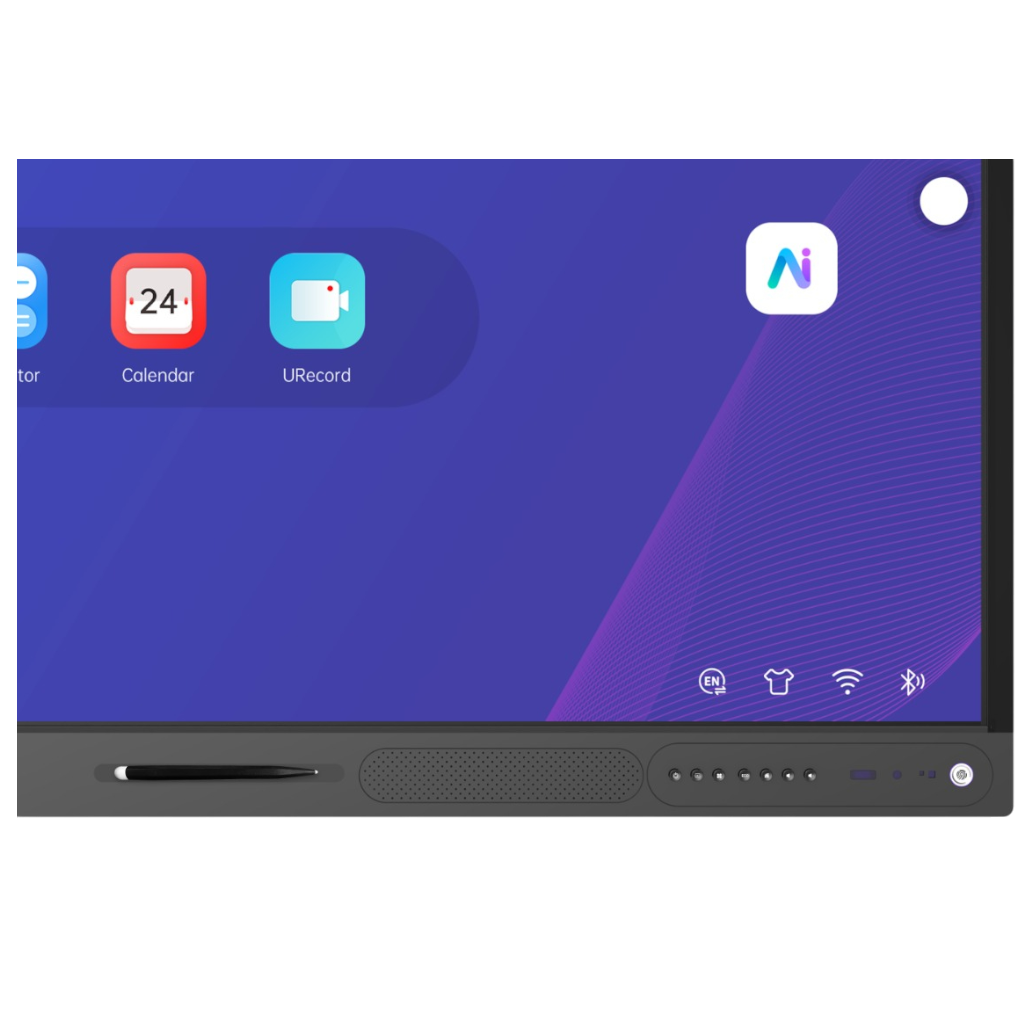
- Fingerprint reader support
- NFC support
- Low power consumption
- Standby power ≤ 0.5W
- Android OS 13–15
Windows support via OPS
System Features
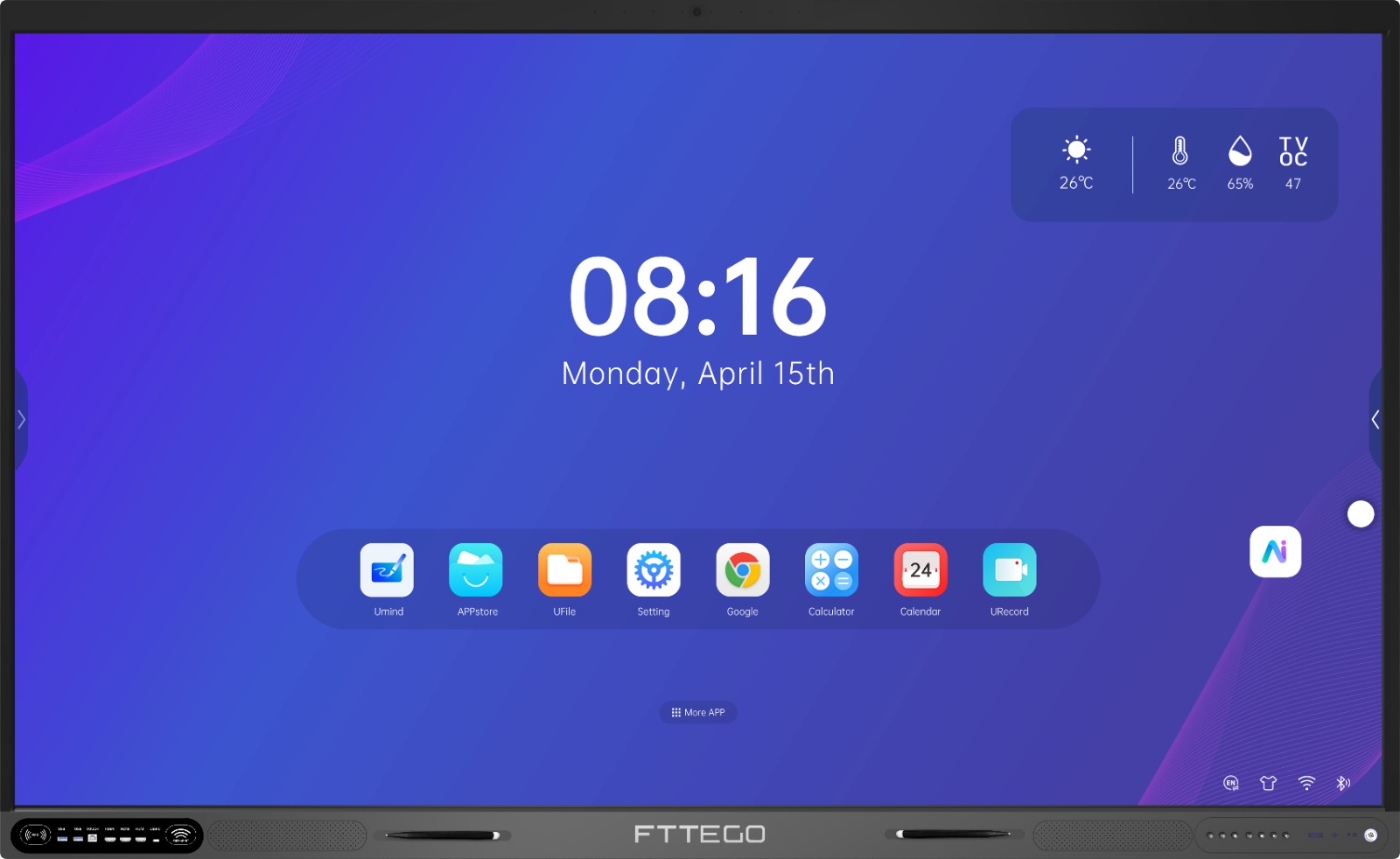
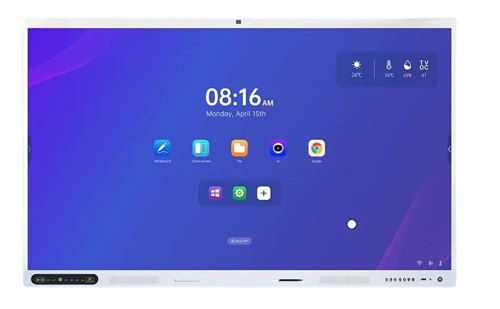
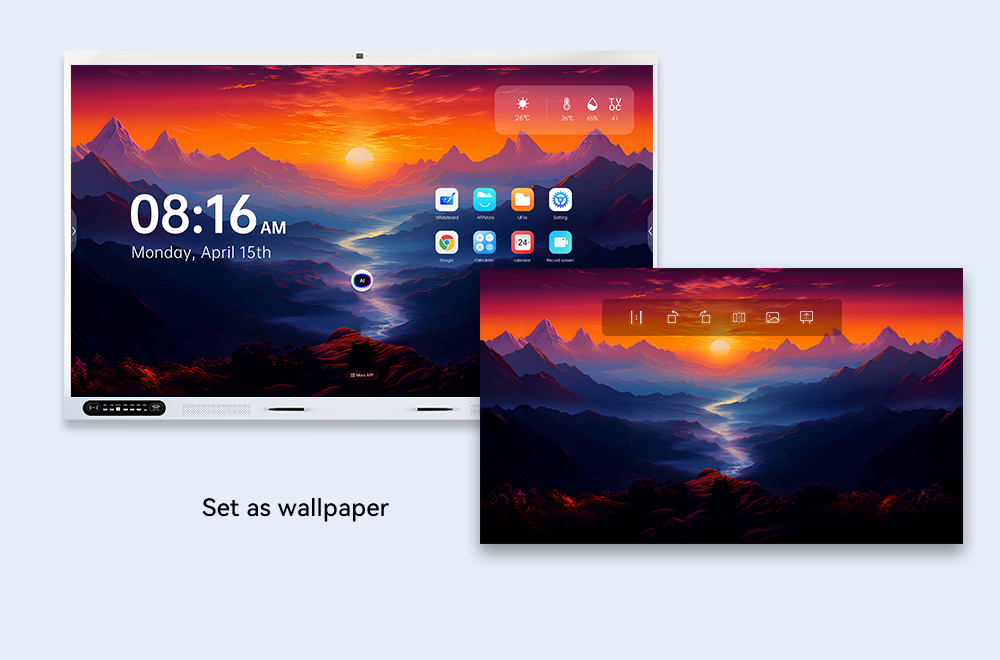
System interface image
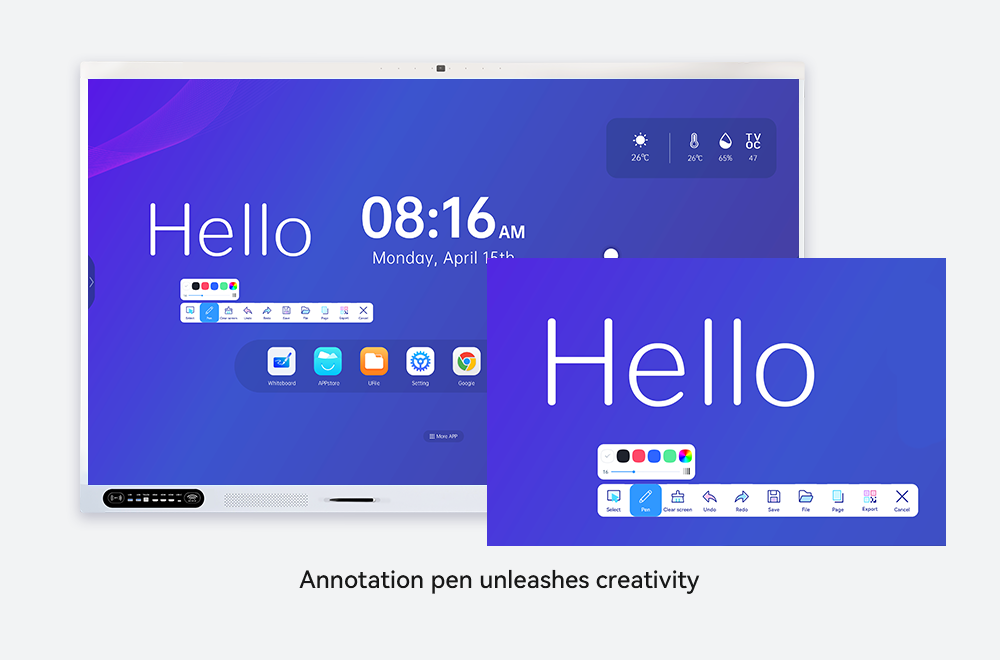
• Smartphone-like user interface • Fast navigation between applications • Automatic system updates
Integrated Smart Whiteboard
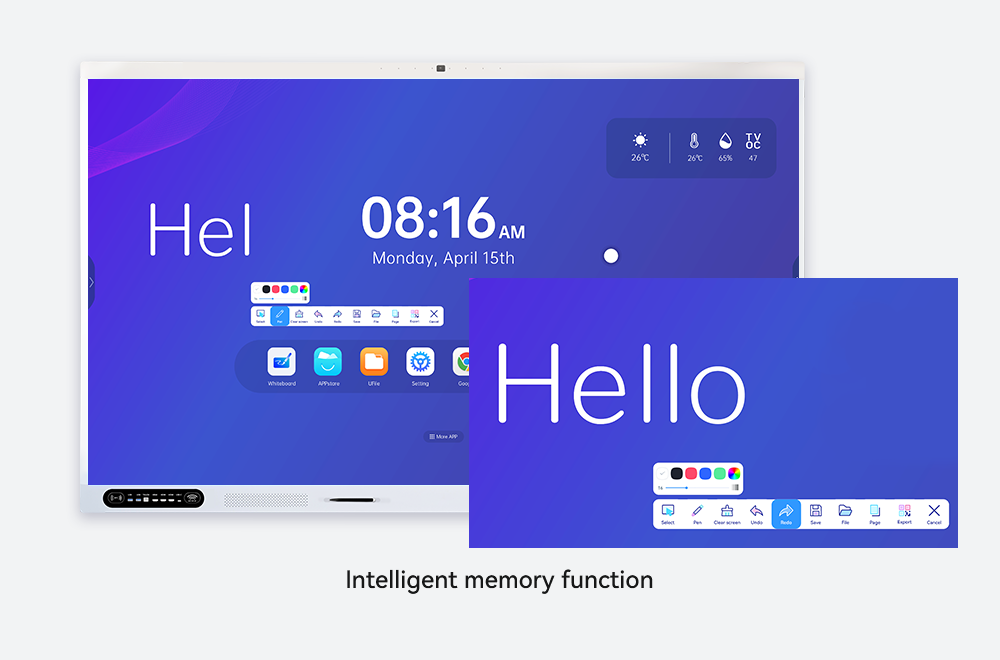
• Write, draw, and annotate during lessons • Save and reuse teaching materials
Secure Centralized Management
• Full control of all displays from one dashboard • Screen locking during exams• Instant announcements and notifications
Built-in Educational Applications
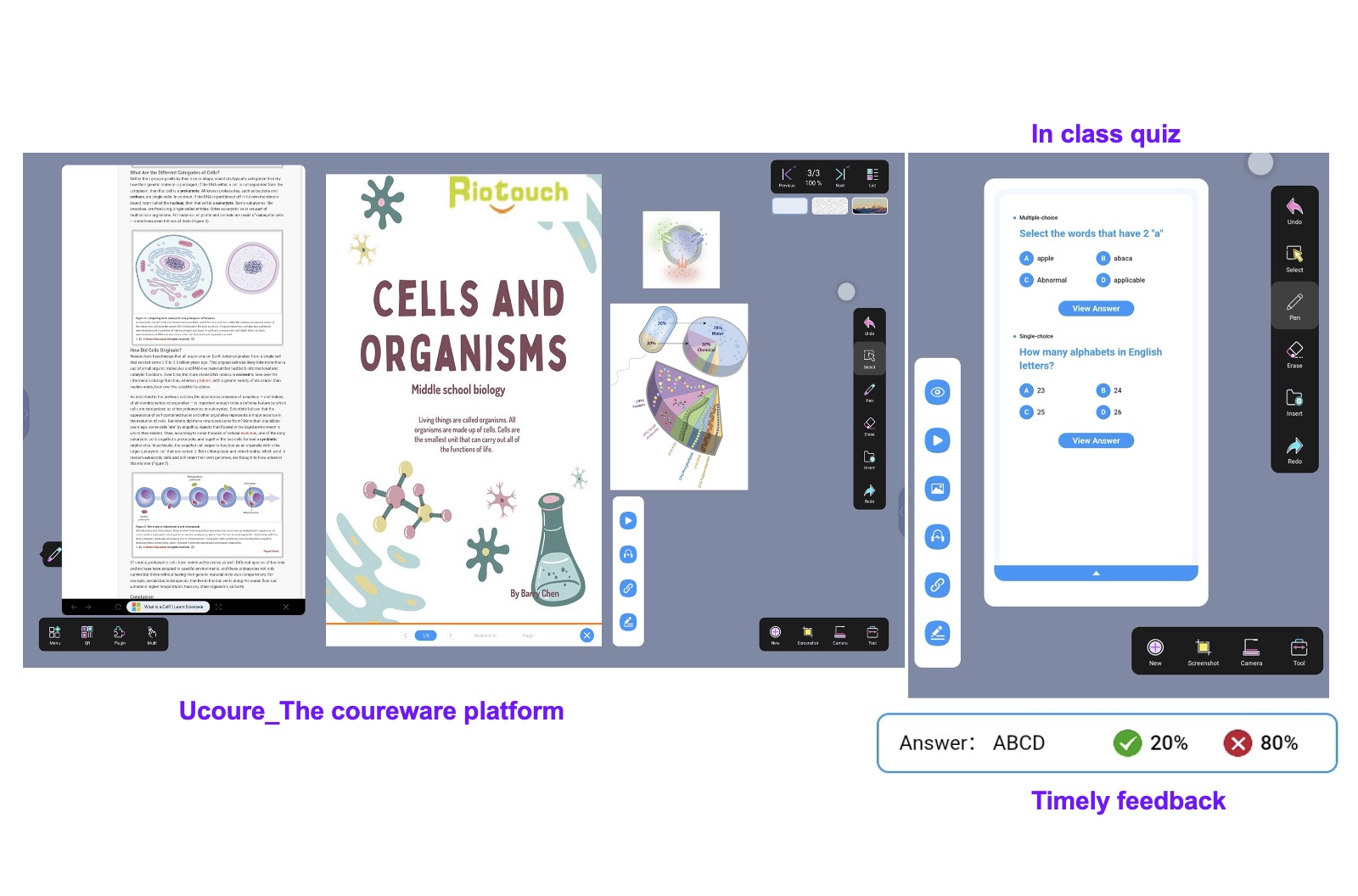
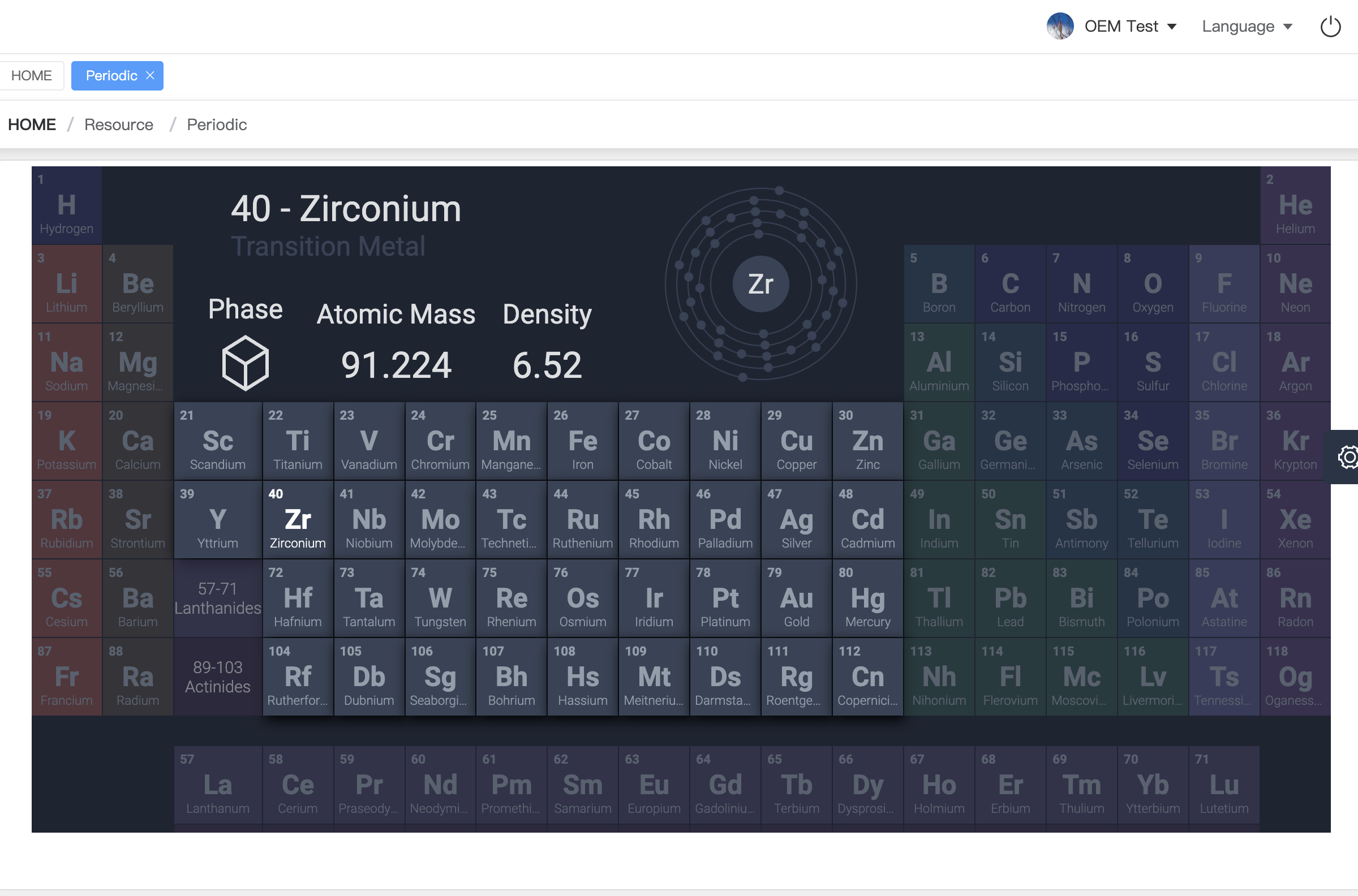
The FTTEGO interactive display includes a complete suite of built-in educational apps, eliminating the need for additional software.
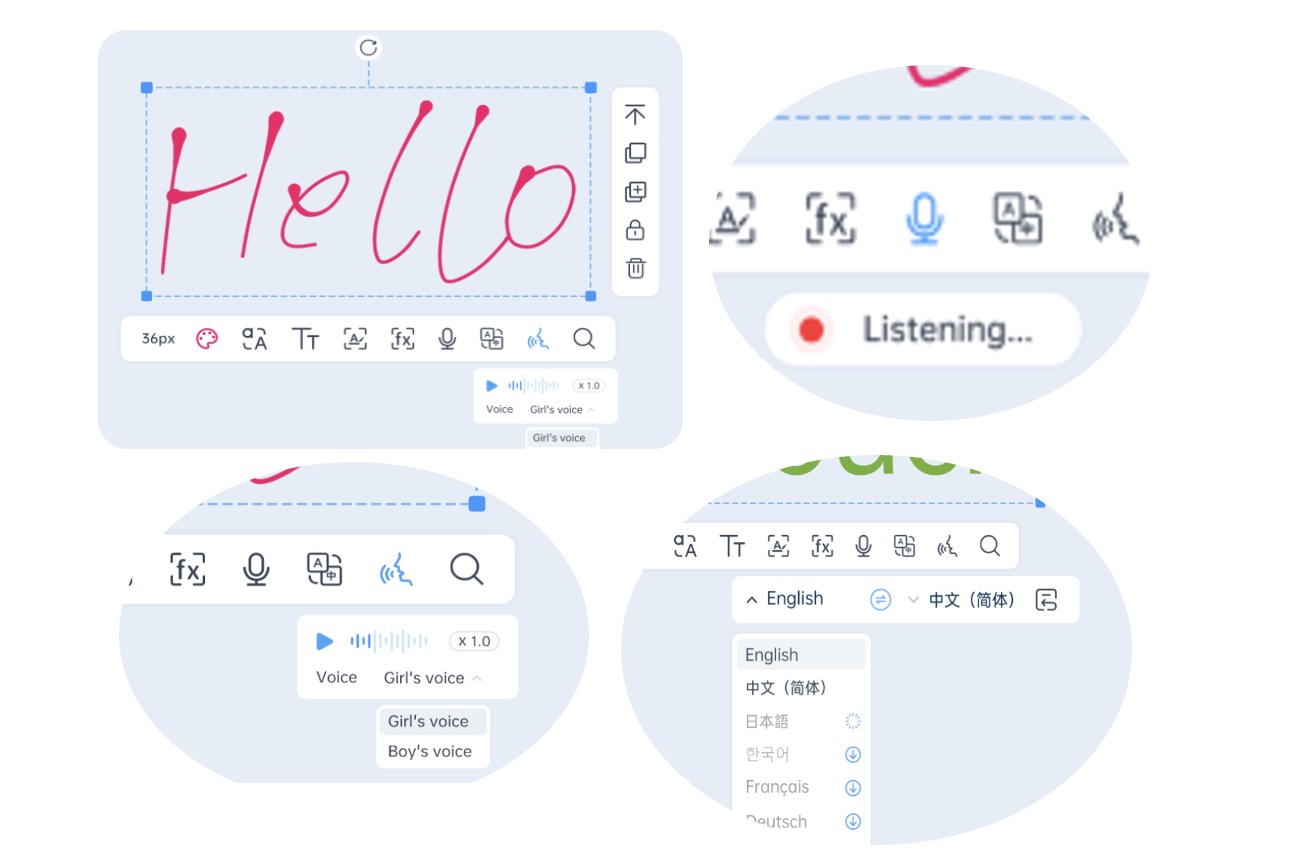
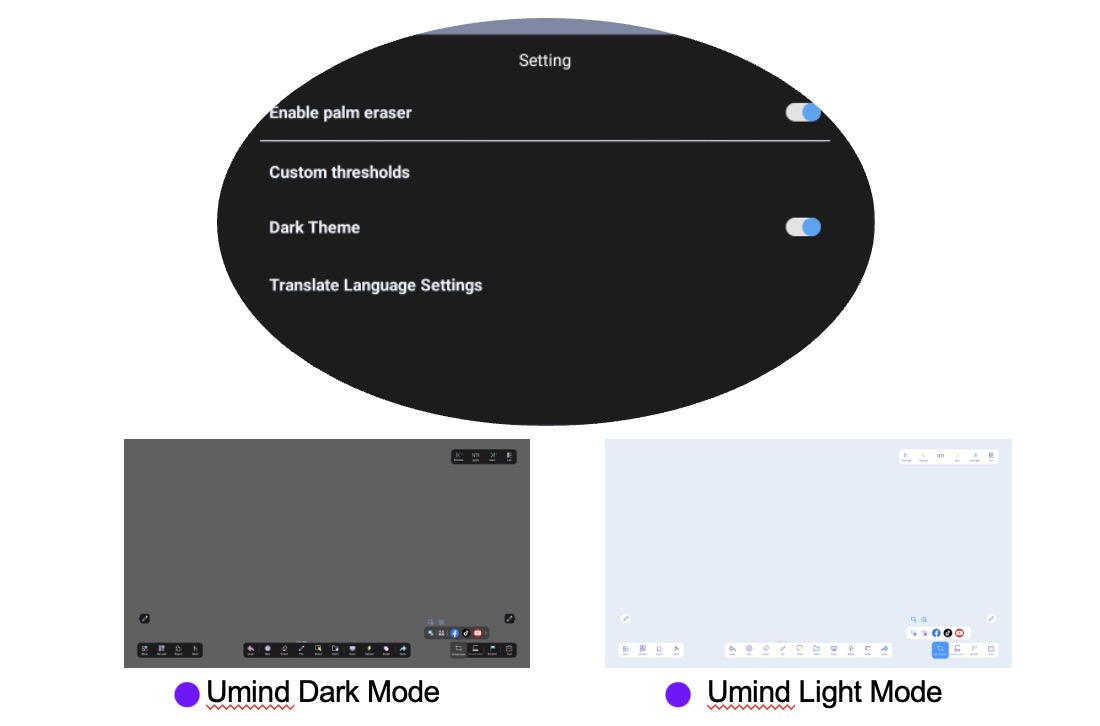
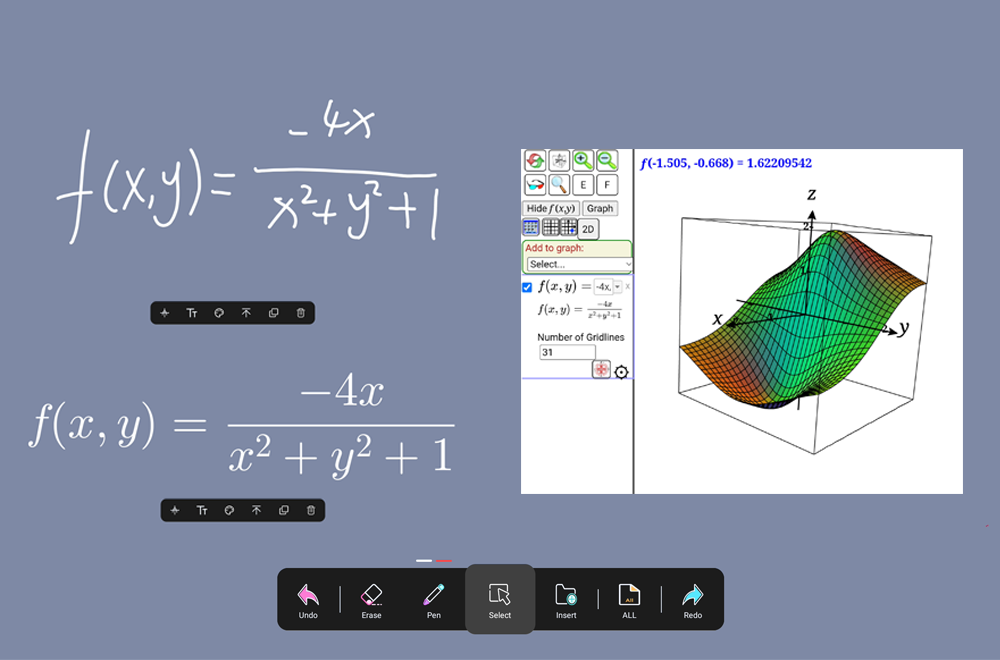
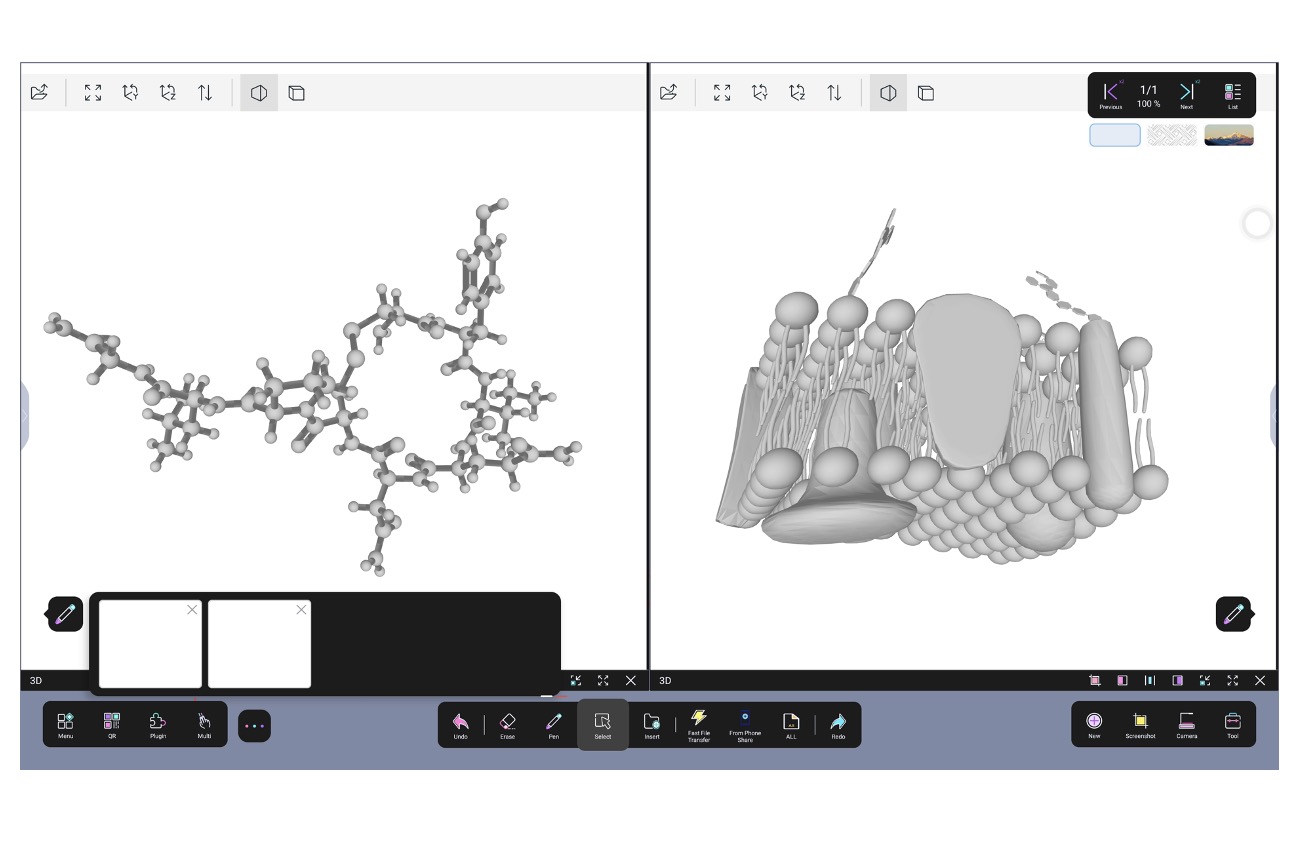
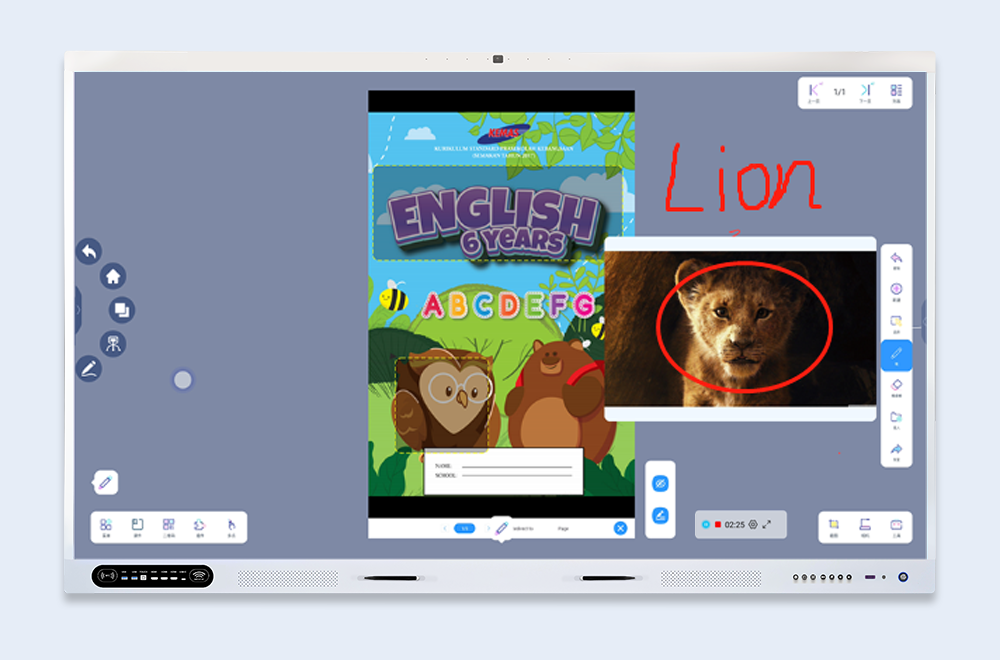
UMind – Smart Whiteboard
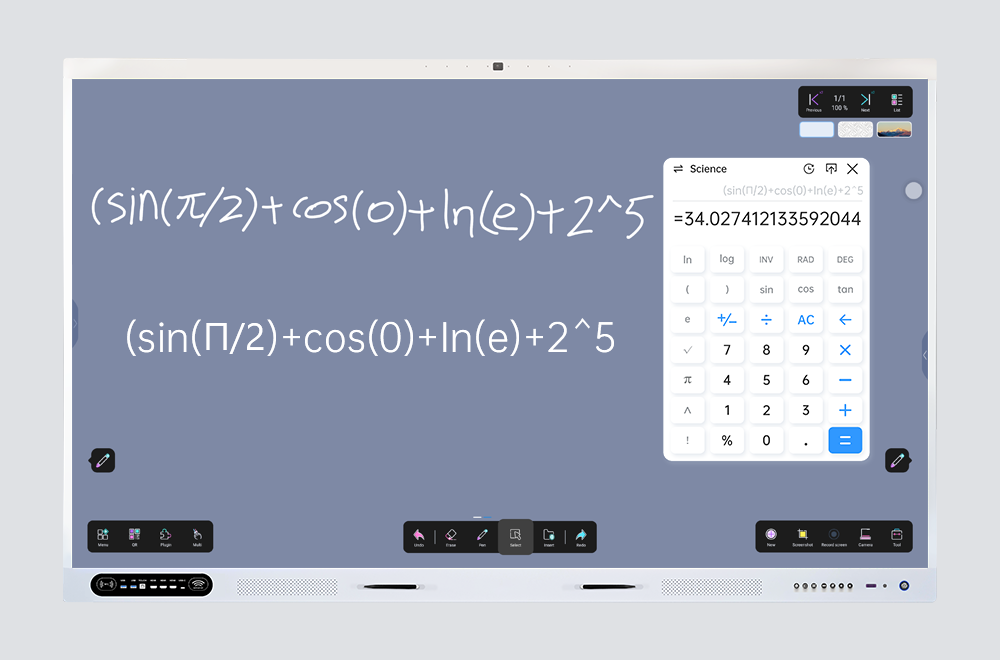
- High-precision writing with pen or finger
- Drawing tools, highlights, shapes, rulers
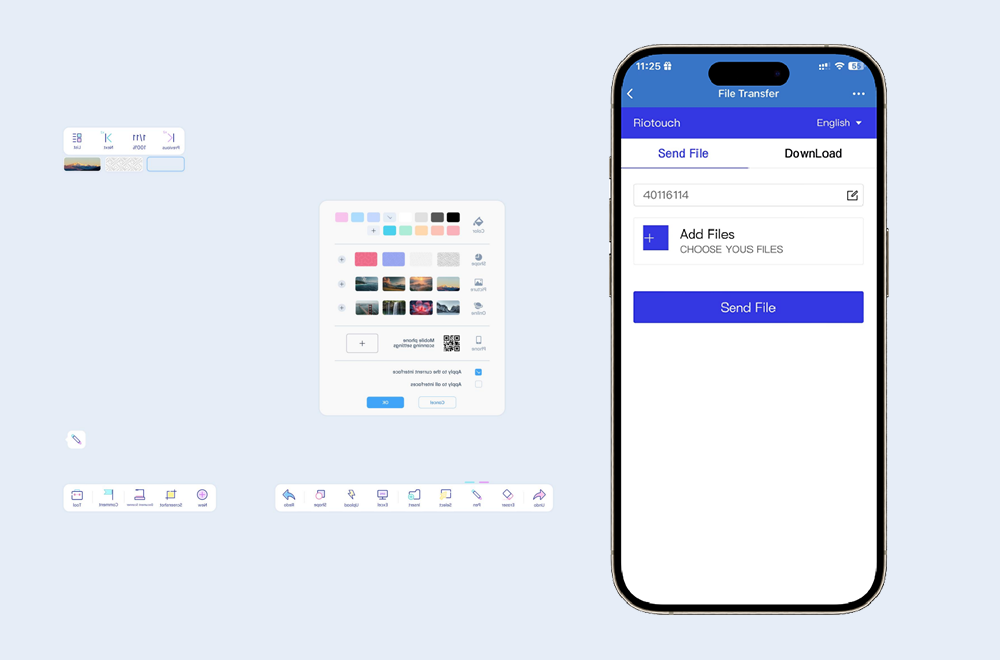
- Insert images and files during lessons
- Multi-page support
- Export lessons as PDF or images
Turns teaching into an interactive and reusable experience.
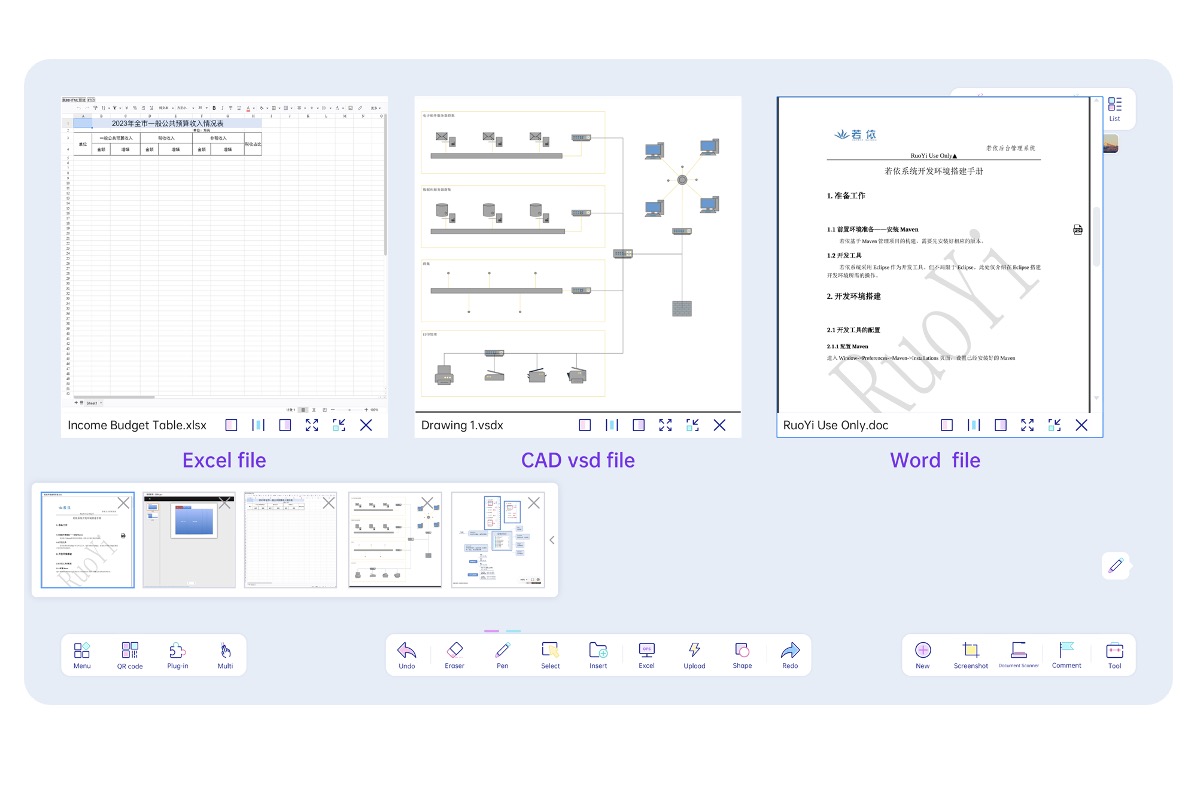
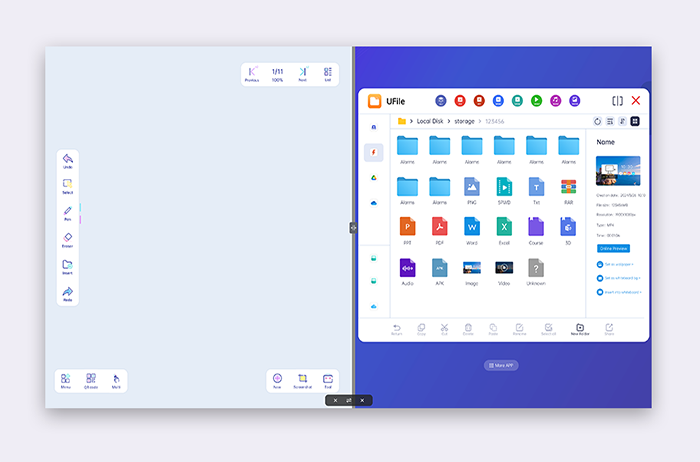
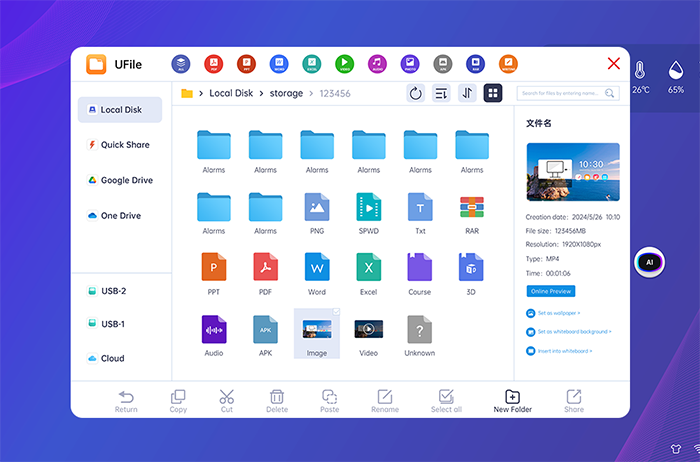
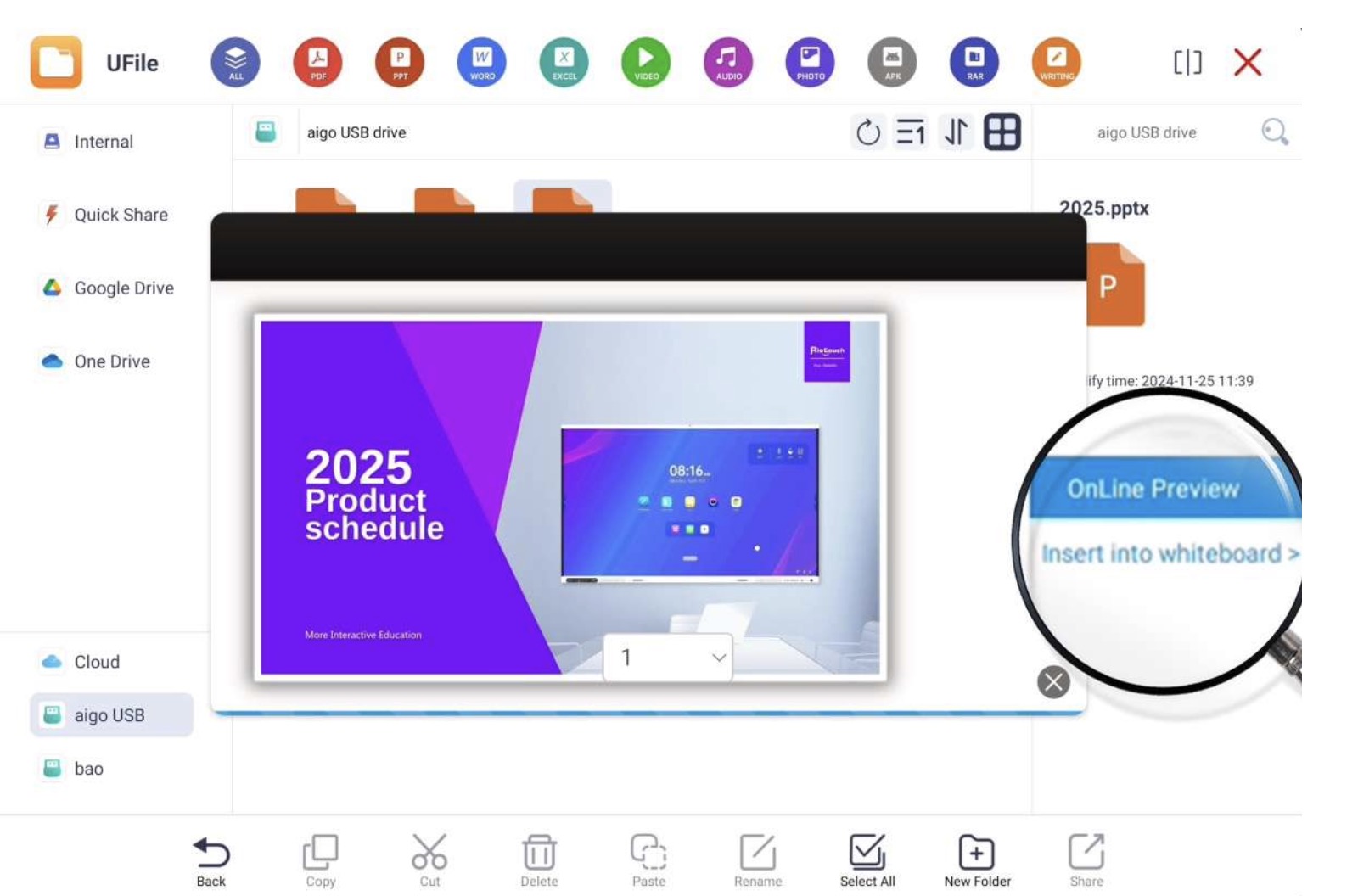
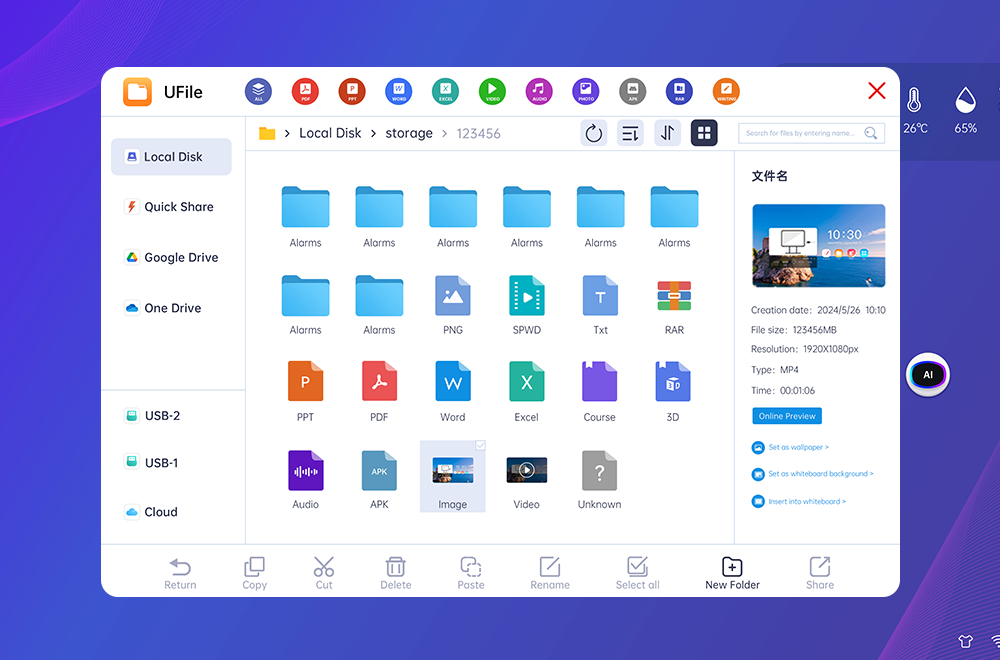
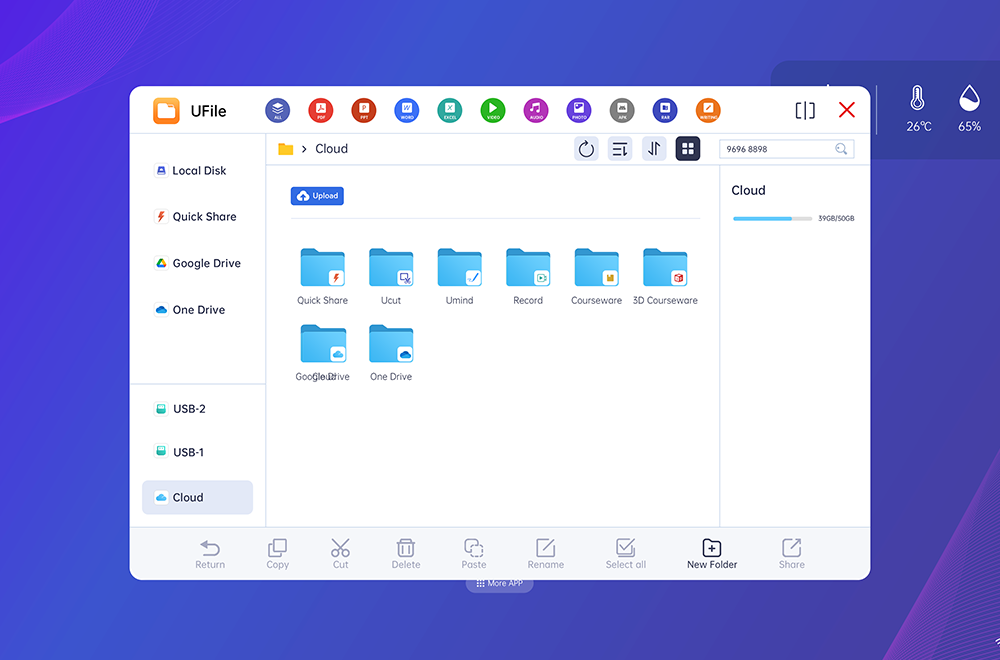
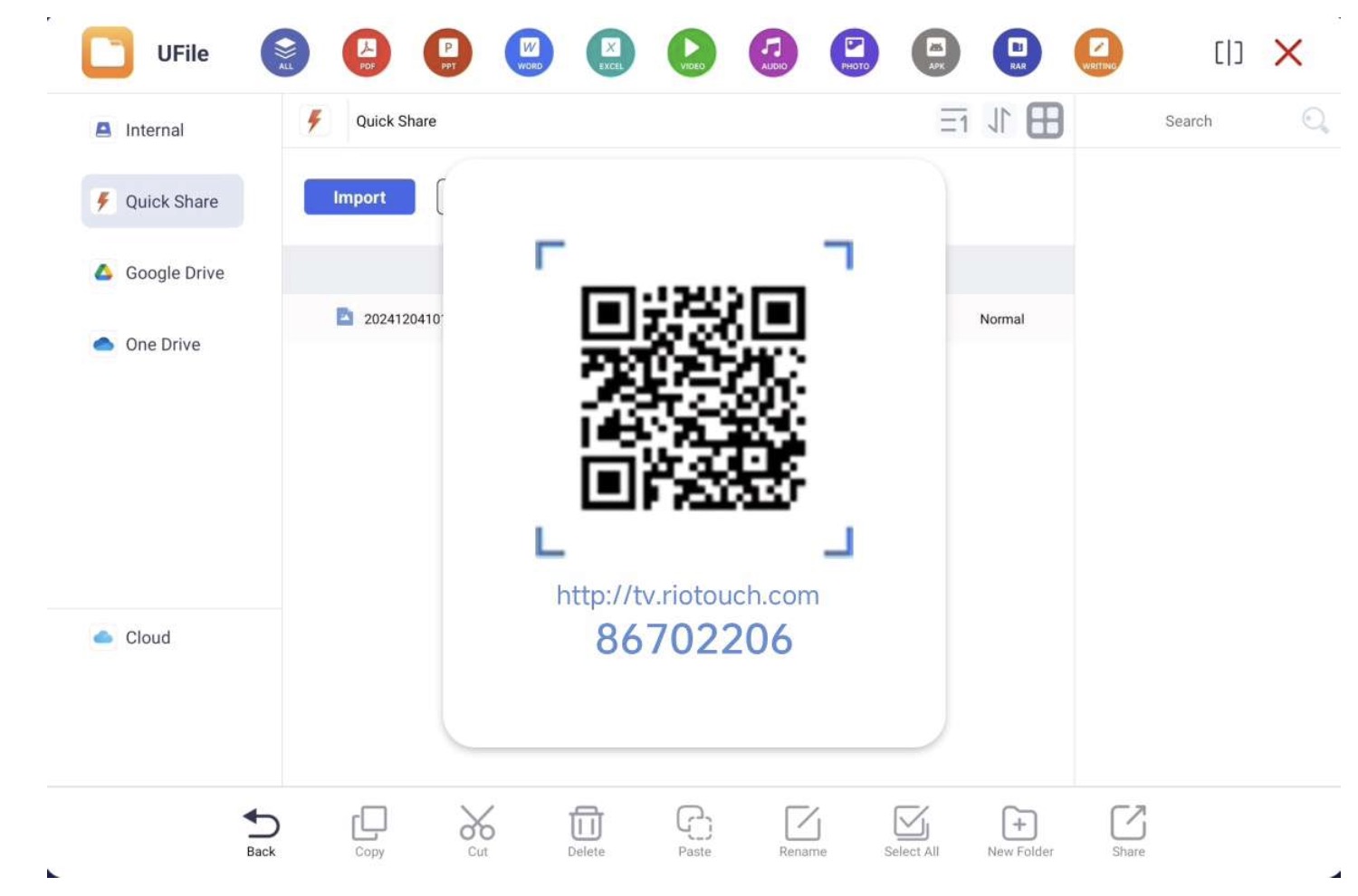
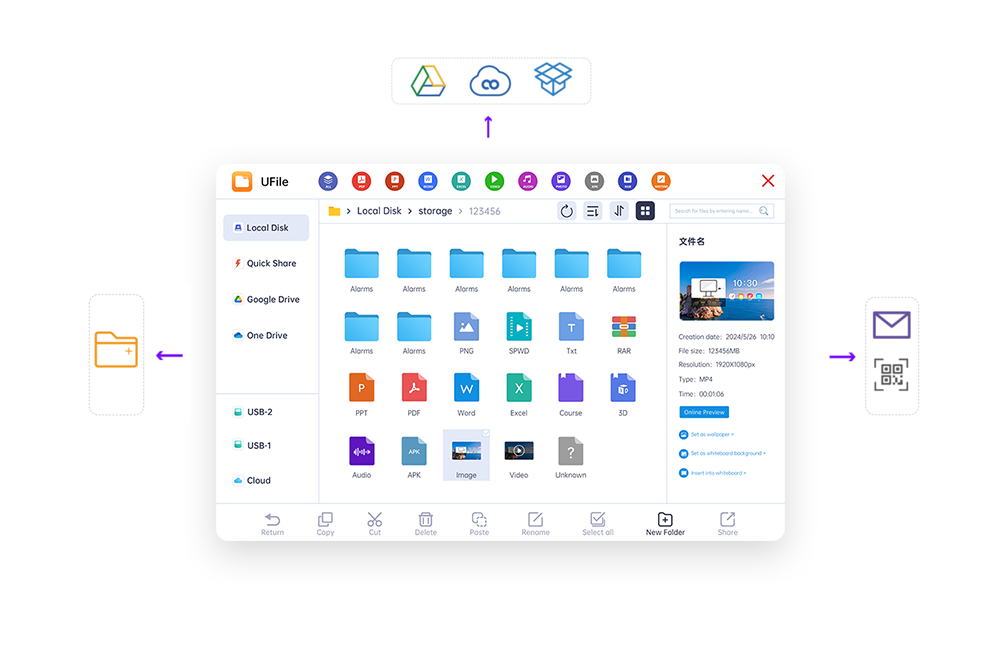
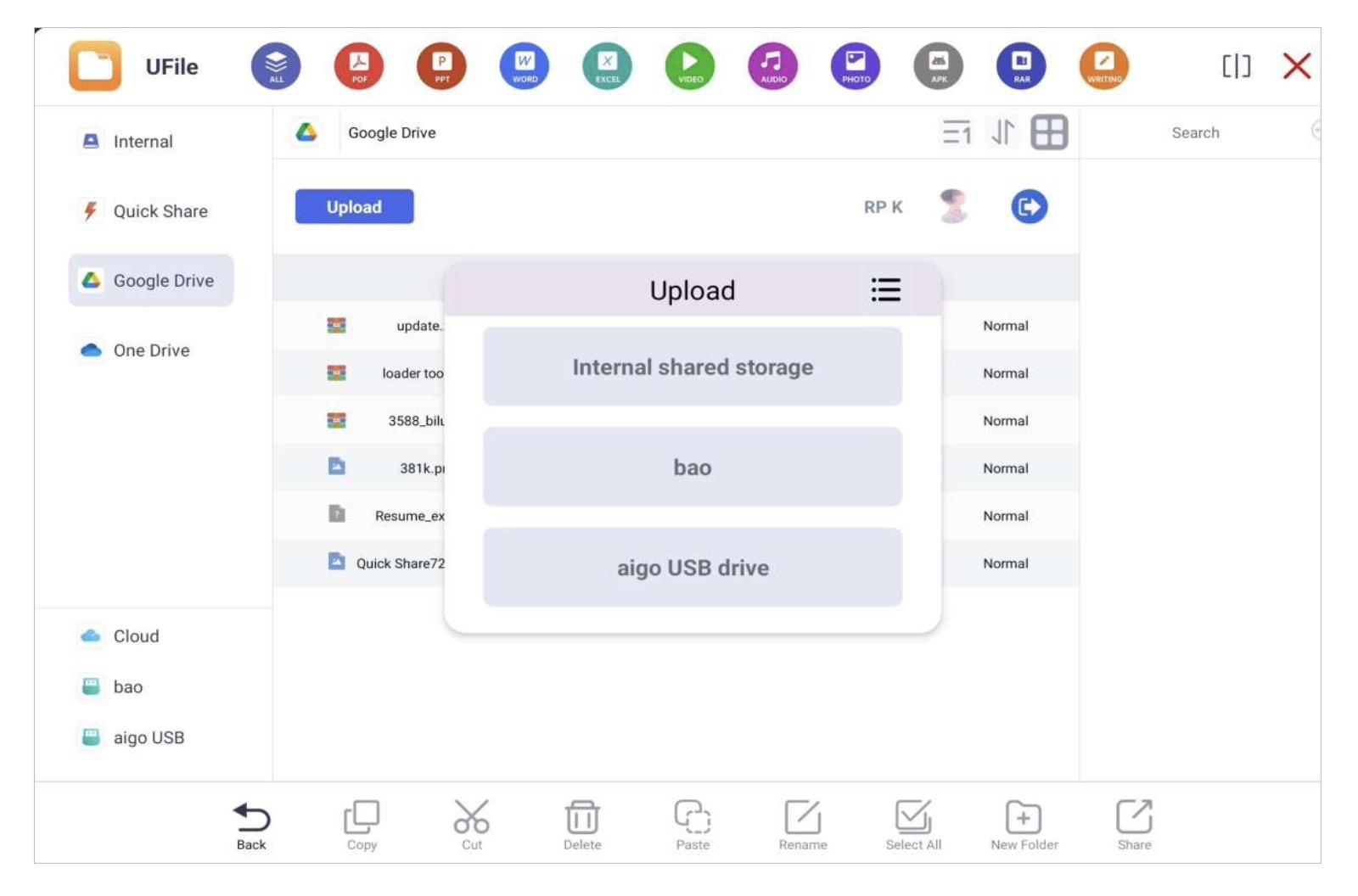
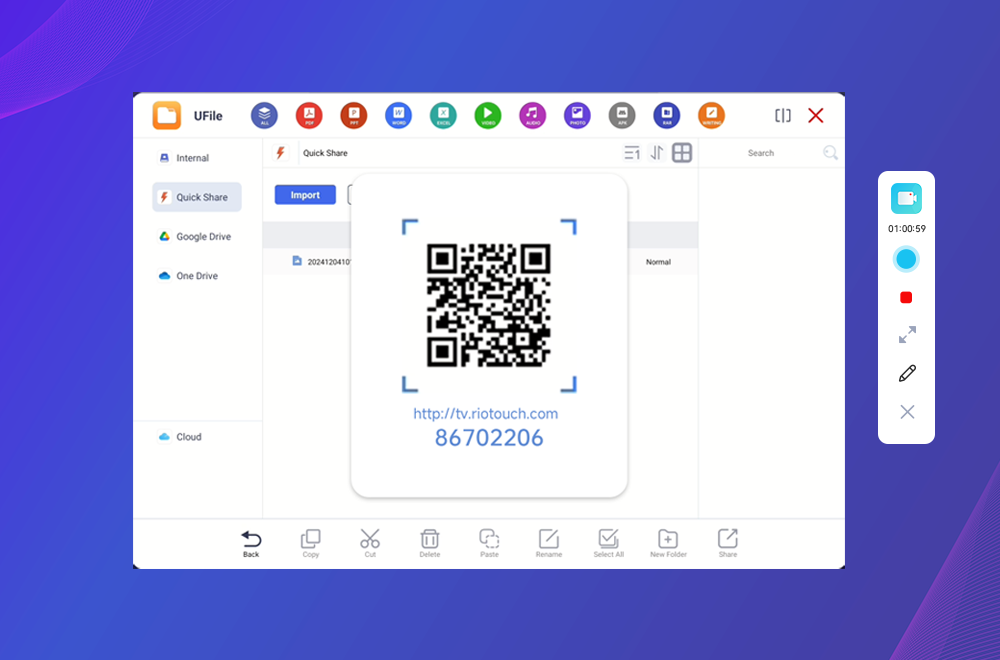
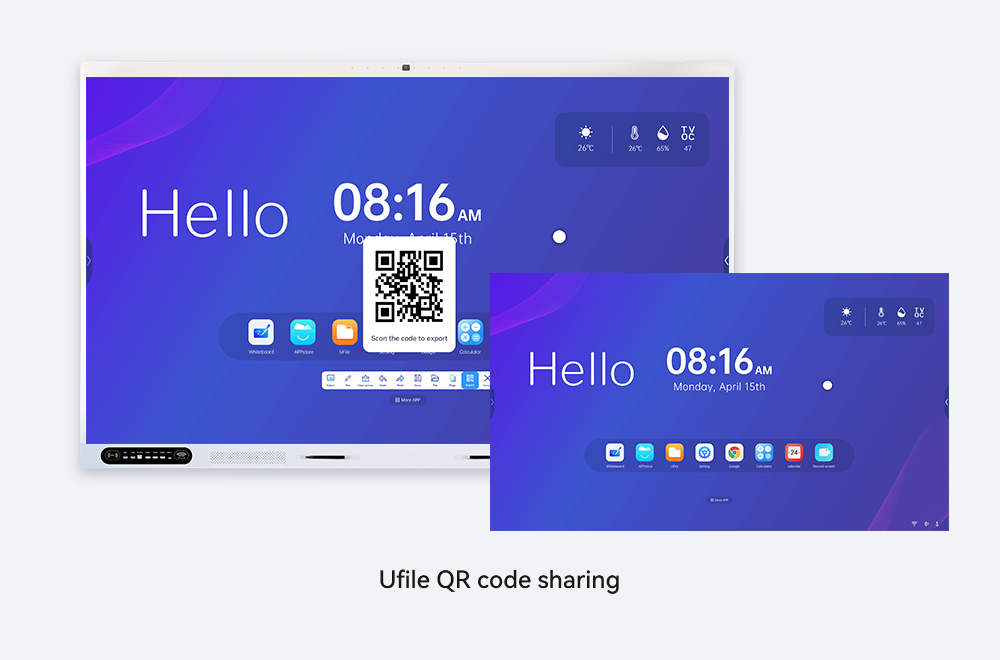
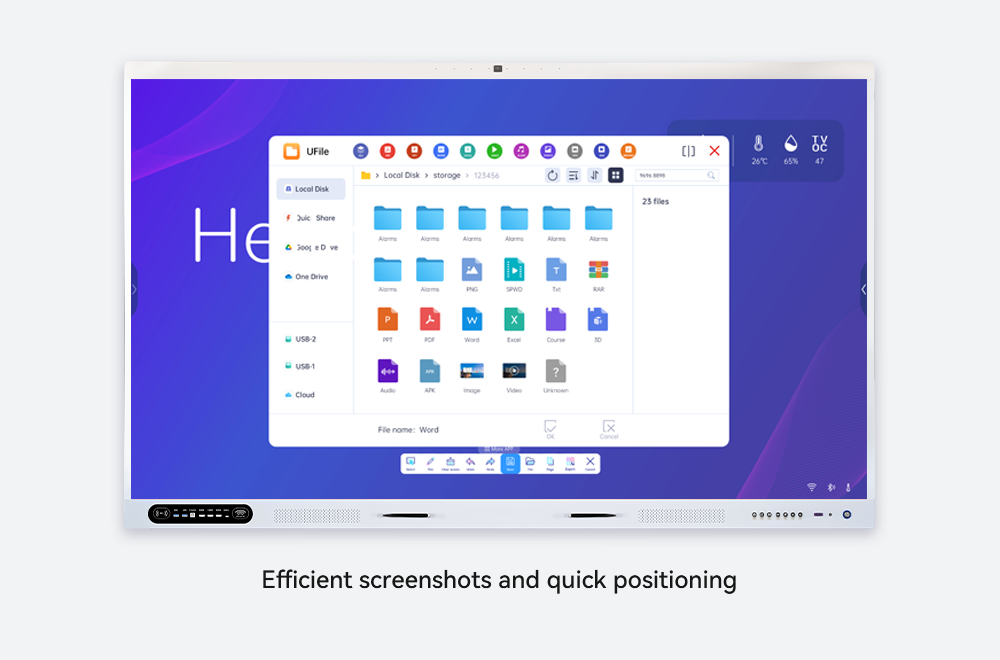
UFile – File Management
- Open Word, PowerPoint, and Excel files
- View PDF documents
- Play educational videos and images
- Organize content into folders
DMS – Display Management System
- Remote control of all displays
- Power on, off, or restart devices
- Lock screens during exams
- Send instant messages and alerts
Administrative Value:
Centralized device control with reduced IT workload.
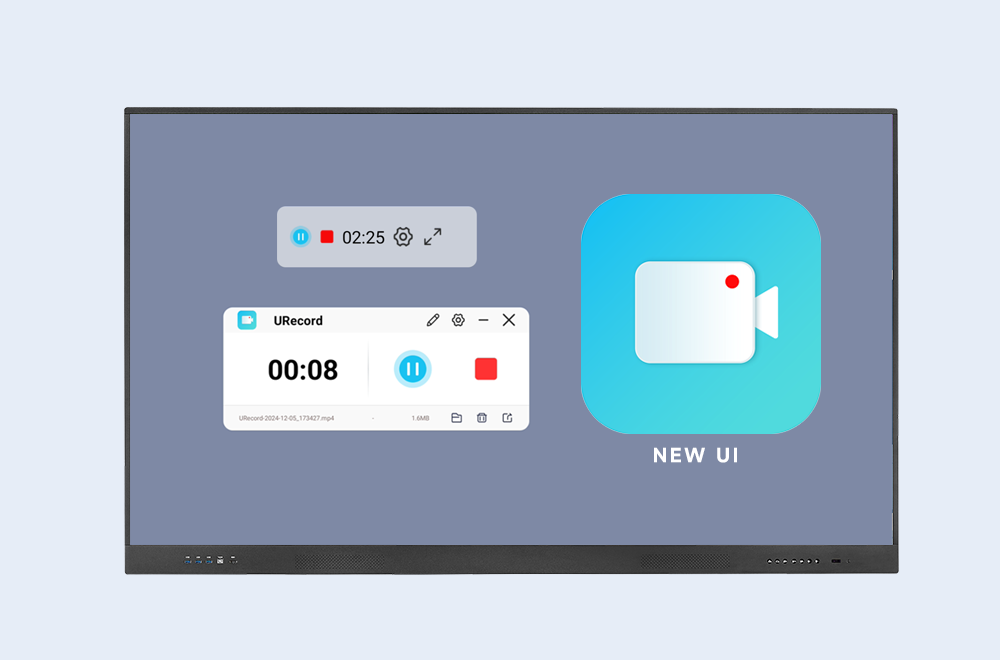
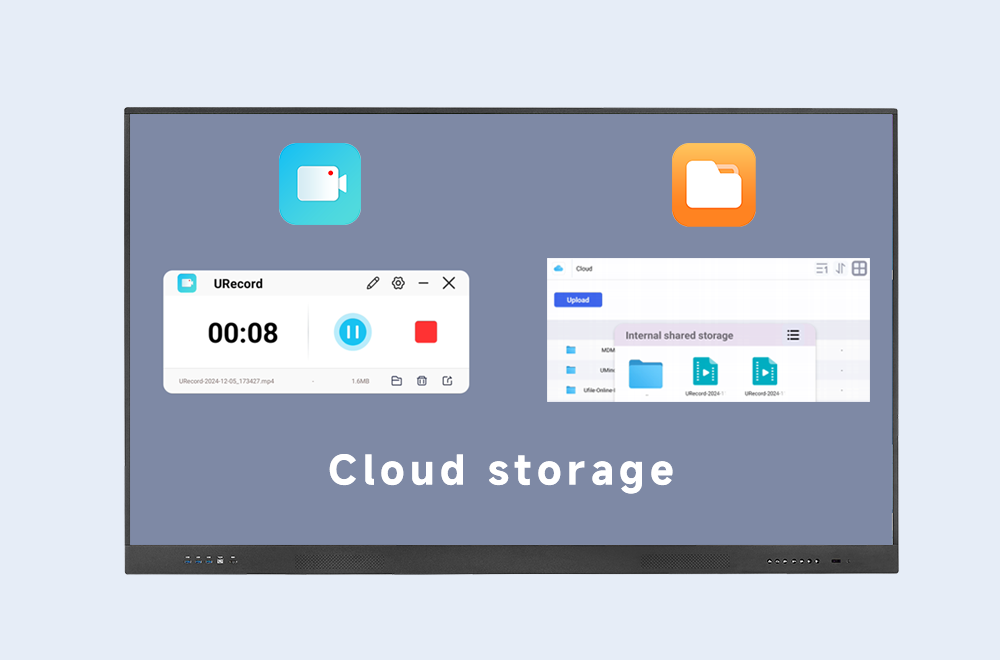
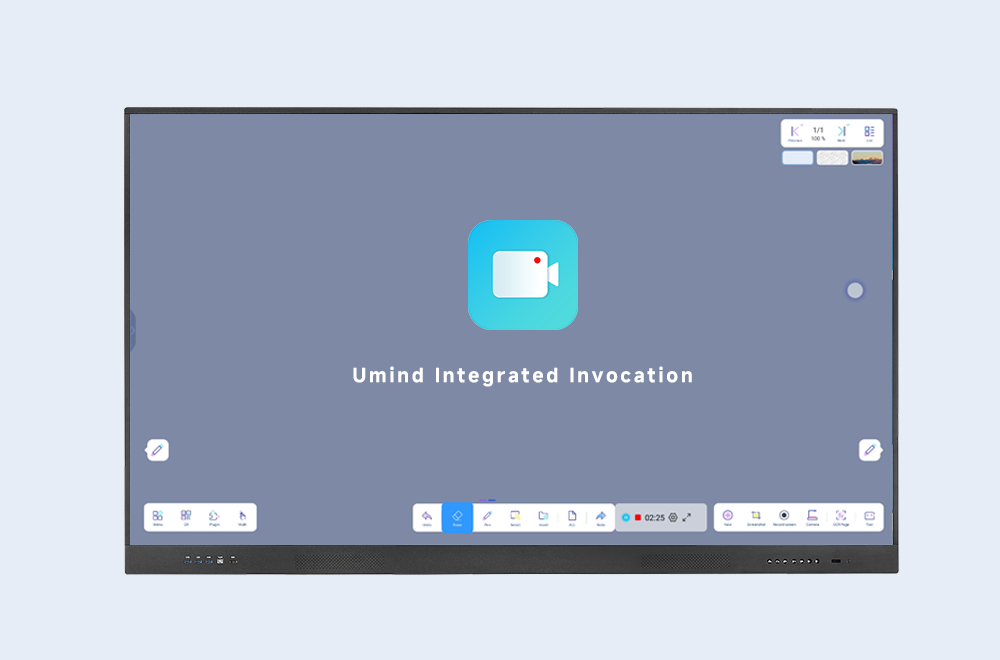
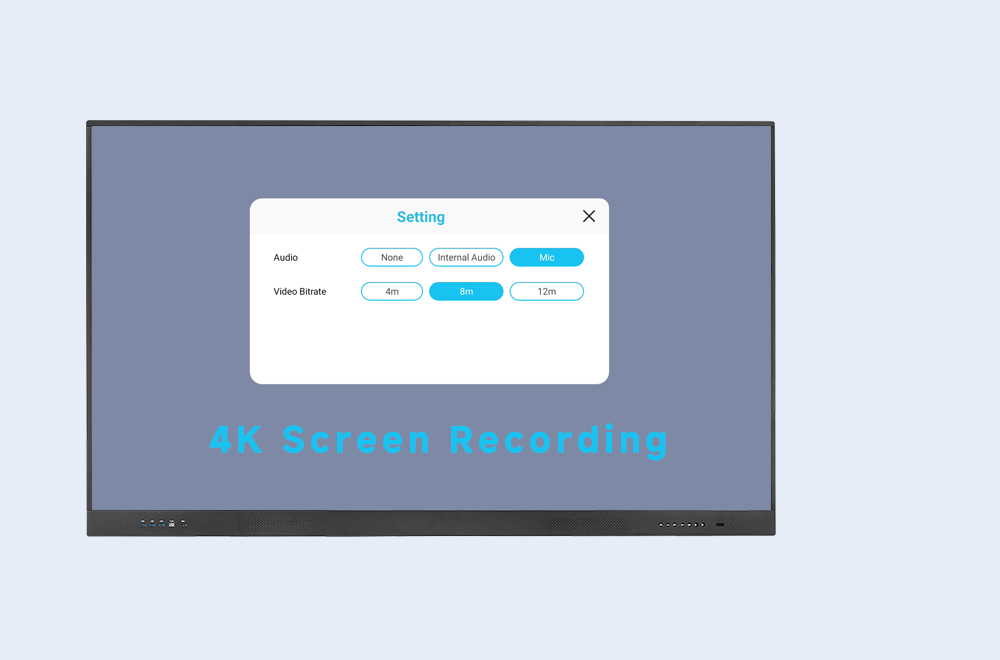
URecord – Lesson Recording
- Record lessons in audio or video
- Save recordings locally or externally
- Replay lessons anytime
Educational Value:
Supports remote learning and student revision.
Classroom Management Tools
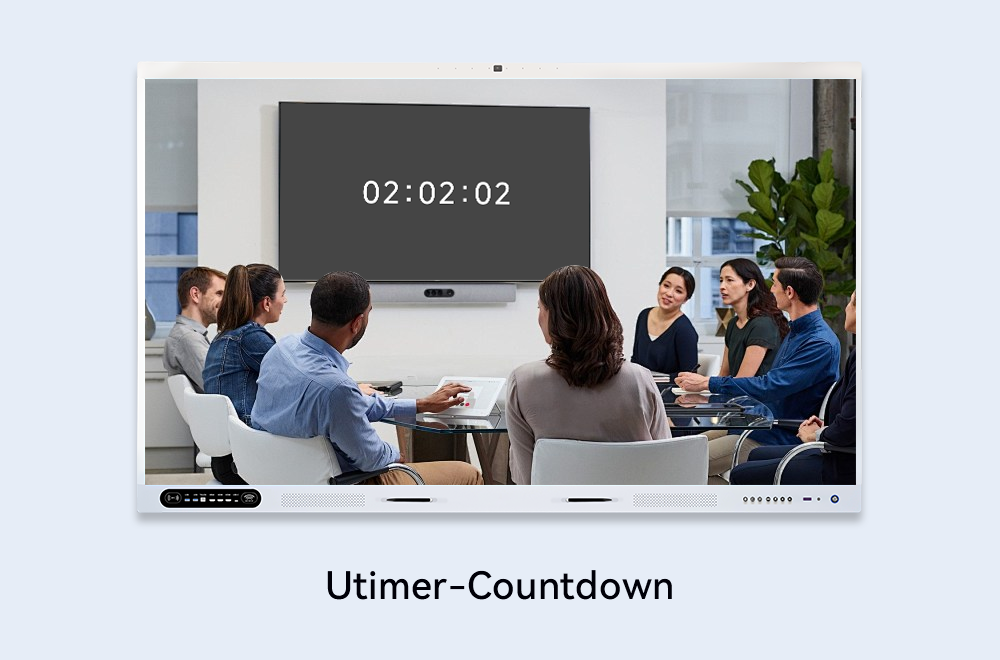
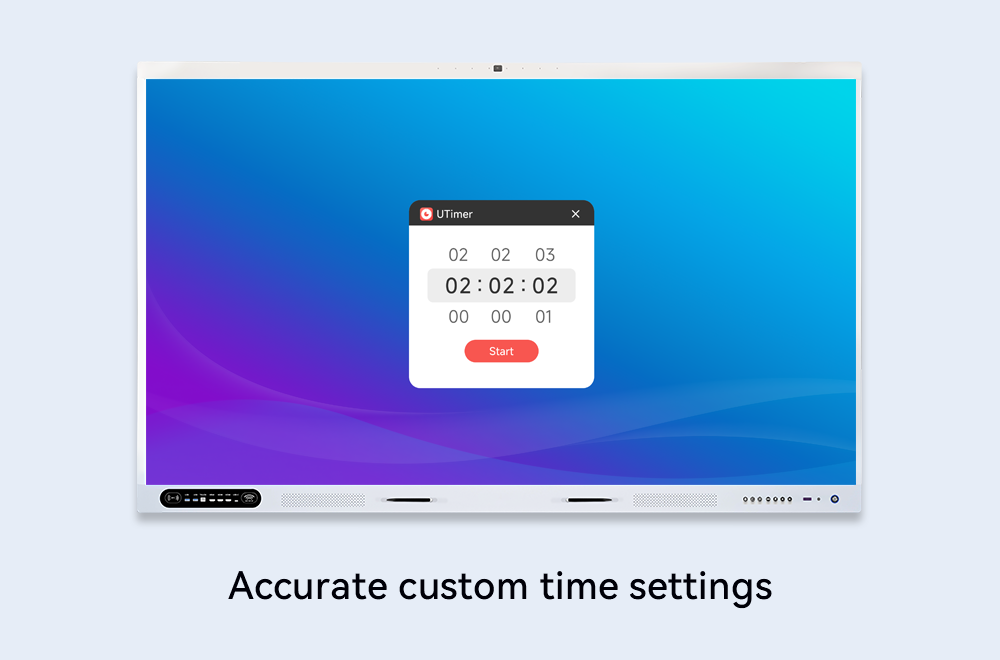
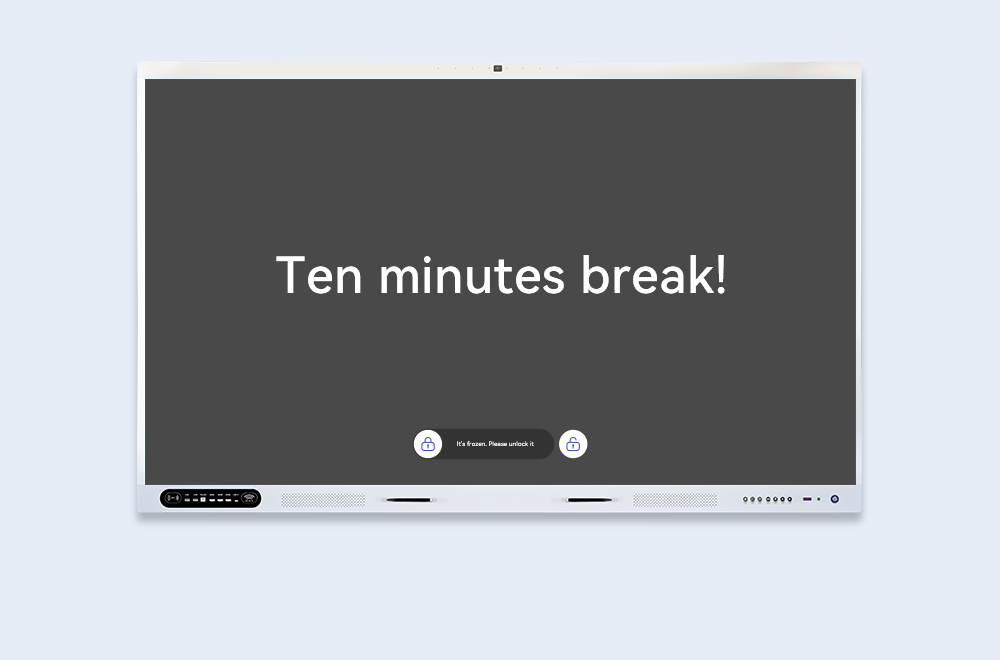
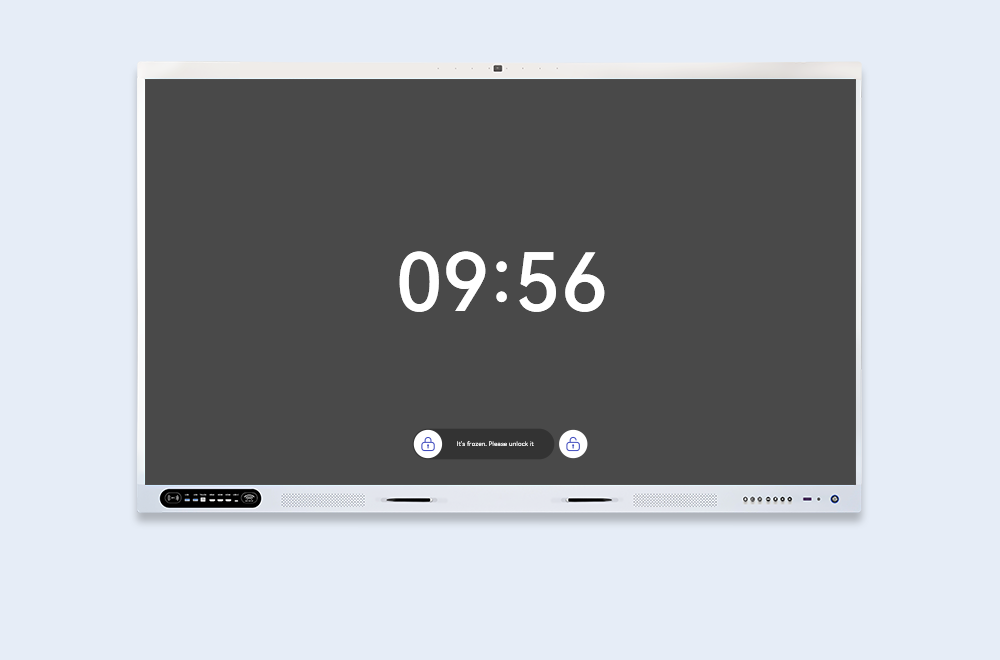
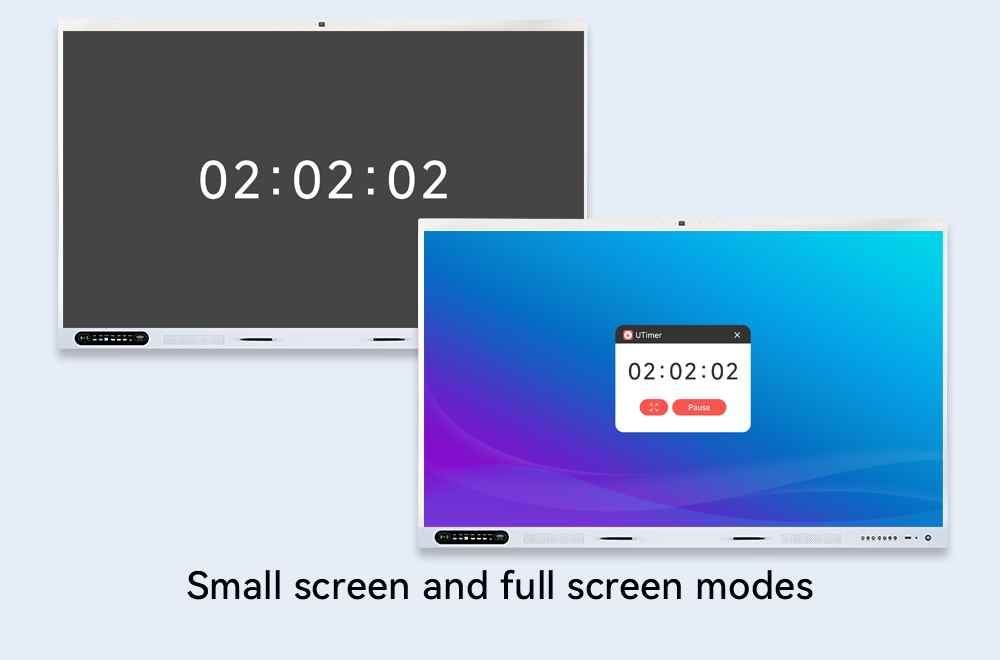
- UTimer: Activity and exam time control
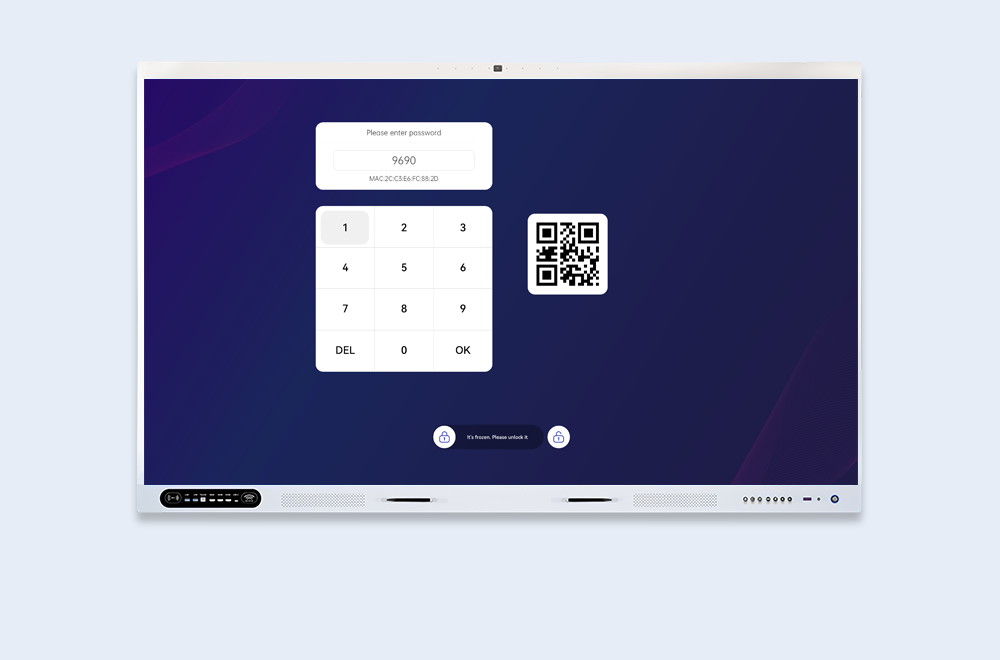
- UFreeze: Temporarily disable touch interaction
- UVote: Interactive voting with instant results
Content & Annotation Tools
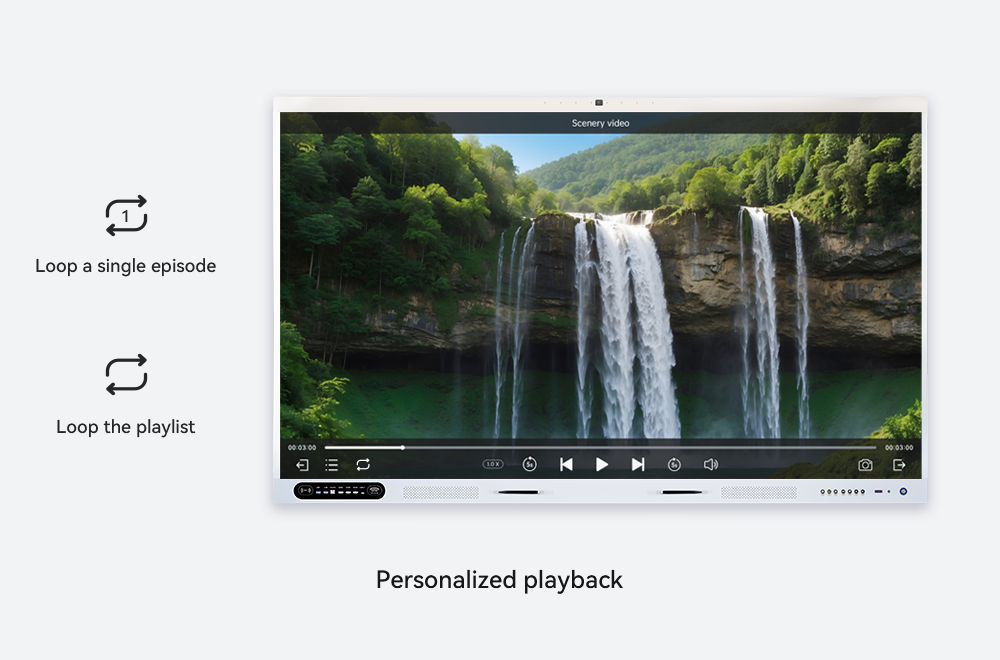
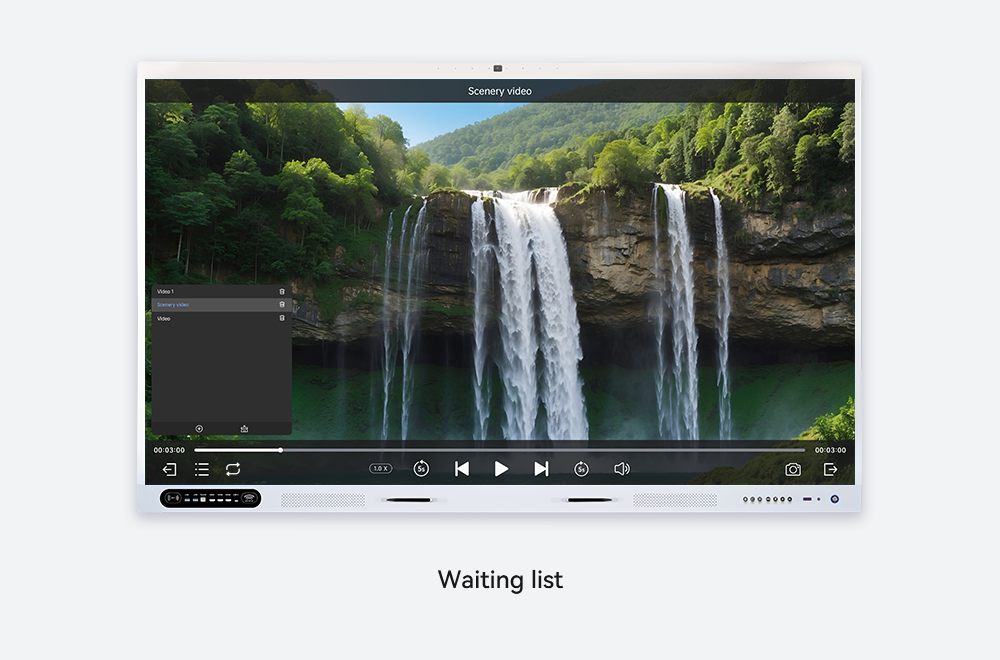
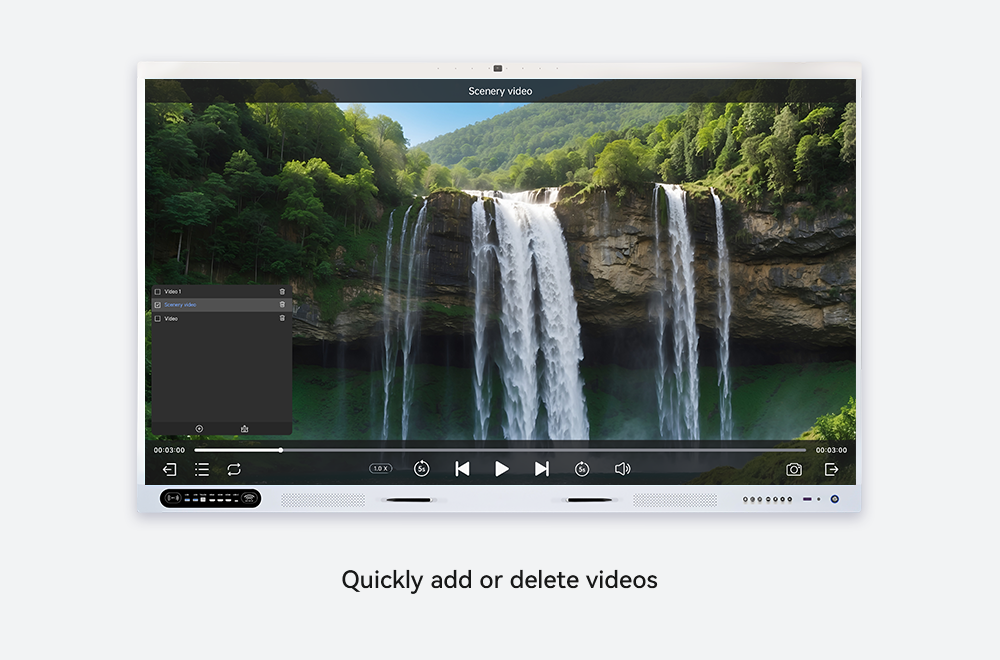
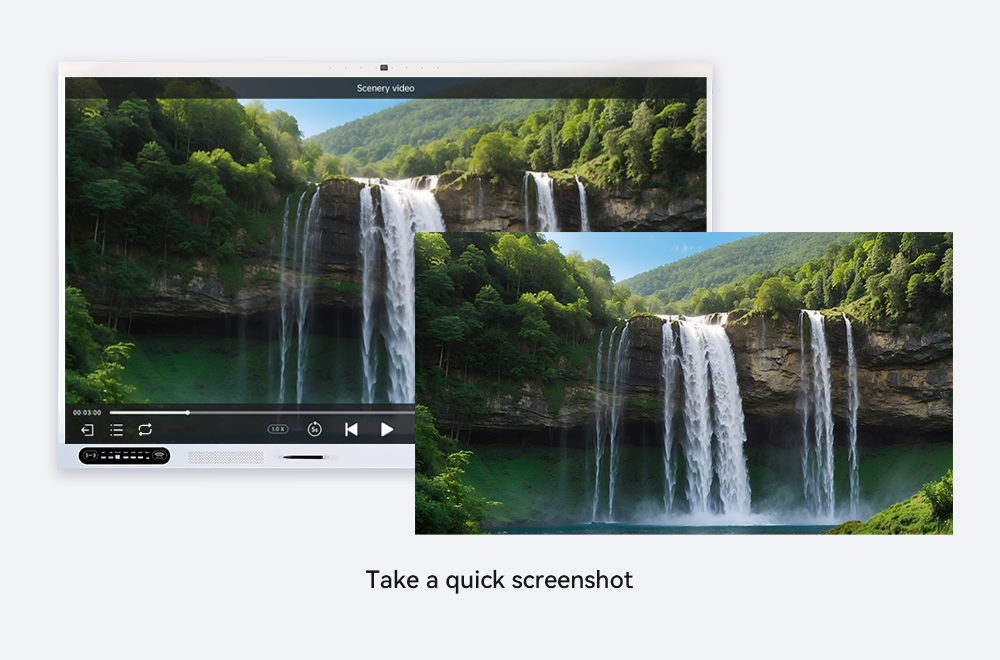
- UPlay: Video and audio playback
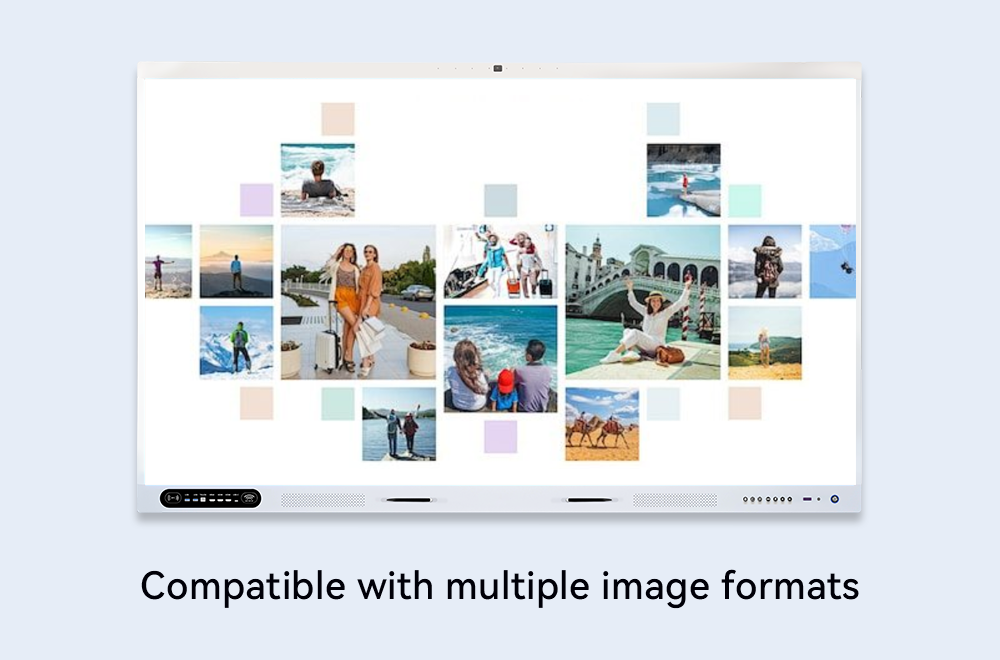
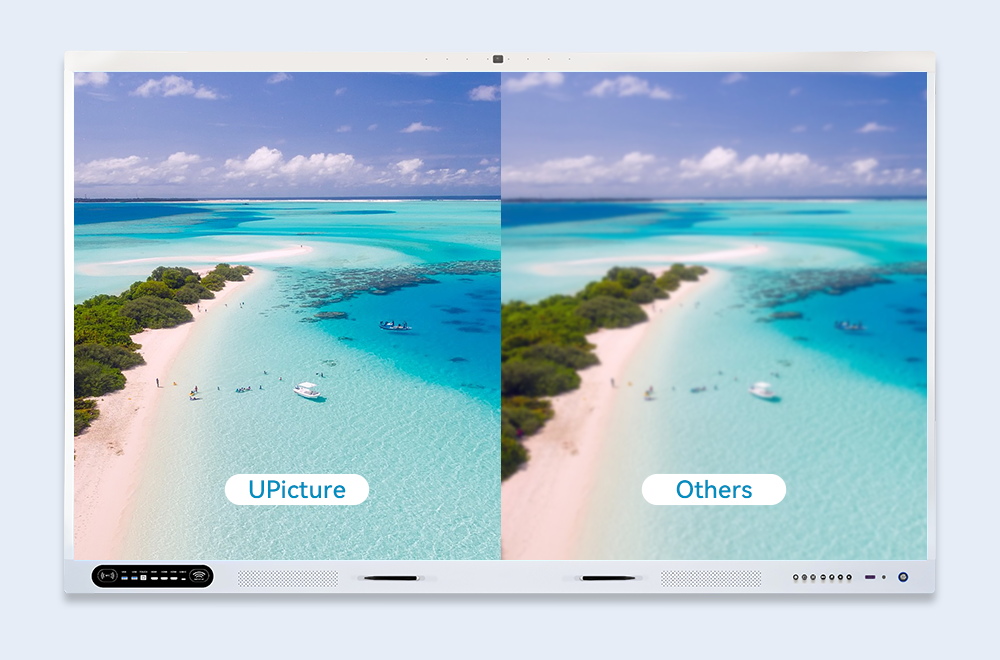
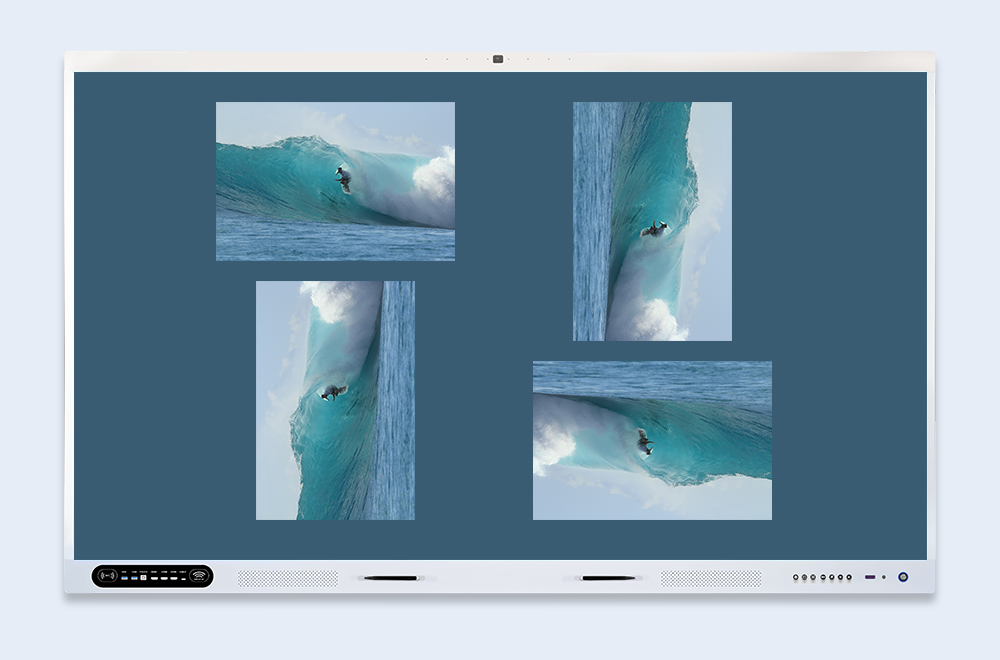
- UPicture: Image and slide viewing
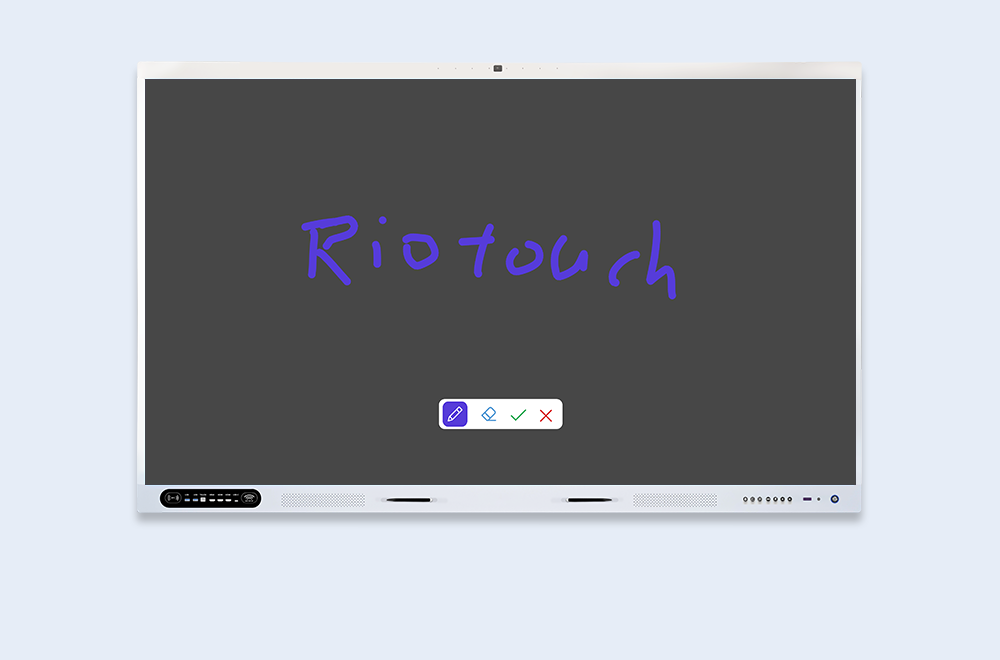
- UMark: Draw and annotate over any content
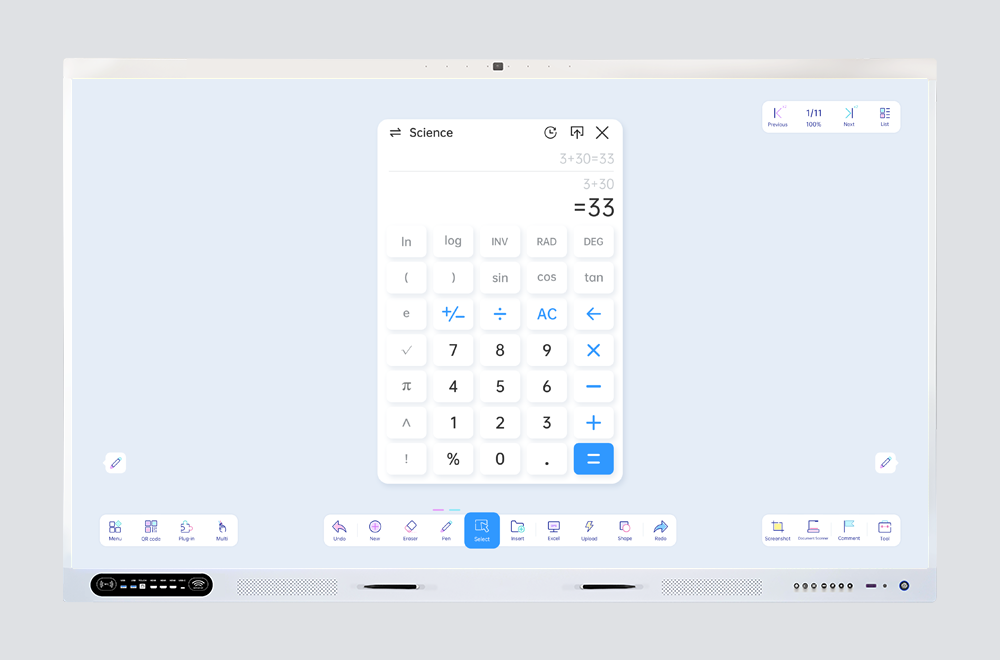
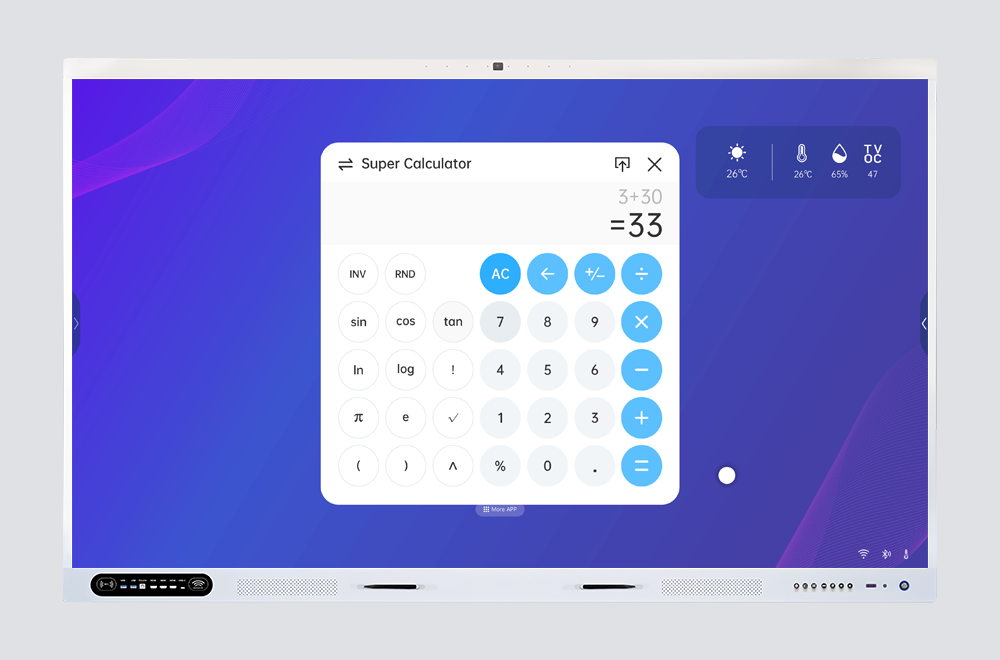
- UCalculator: Quick calculations during lessons
How Is FTTEGO Used in Schools?
- Daily classroom teaching
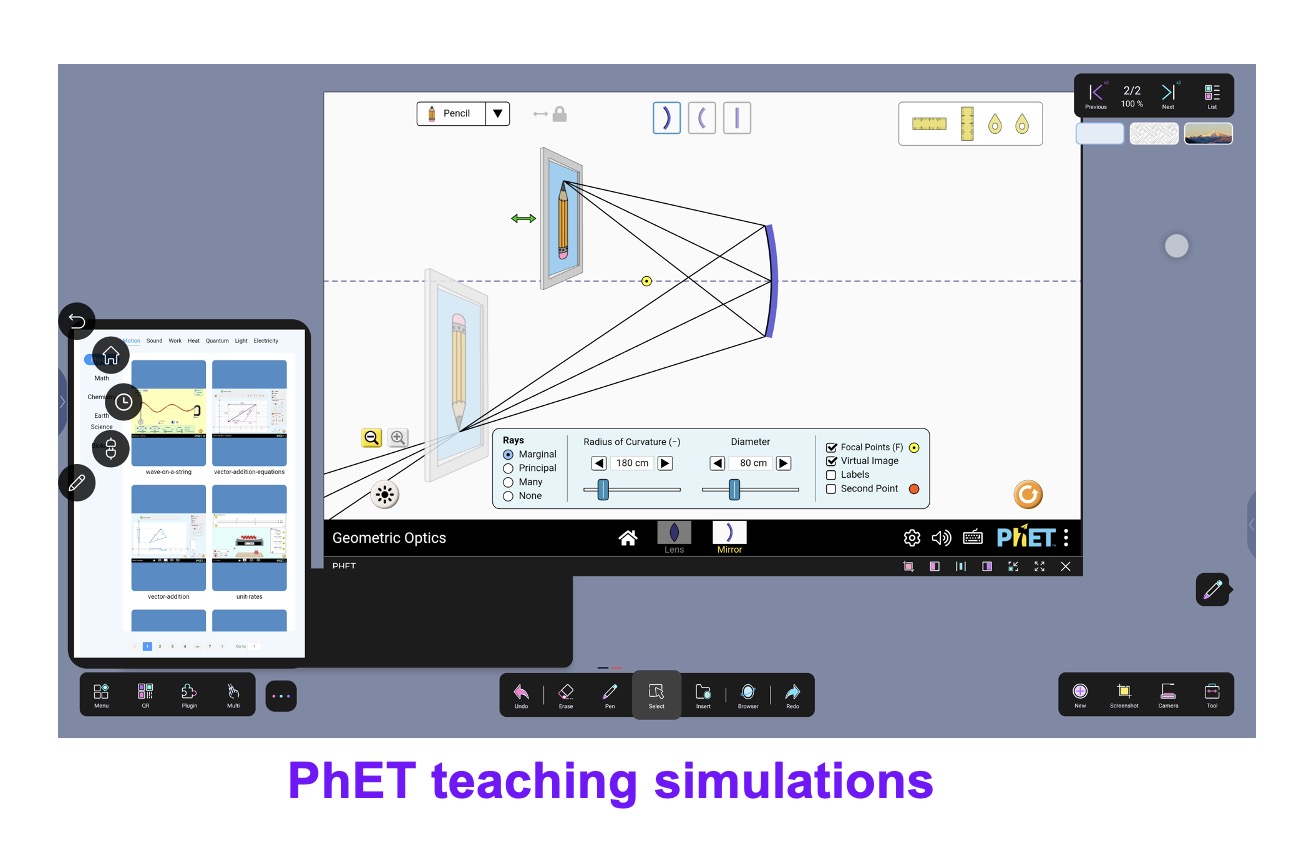
- Science laboratories
- Meeting and presentation rooms
- Remote and hybrid learning environments
The FTTEGO display adapts easily to all educational scenarios.
Daily classroom teaching
Science laboratories
Meeting and presentation rooms
Remote and hybrid learning environments
Start Your Smart Education Journey Today
Get a free educational consultation and a customized quotation that fits your institution’s needs, budget, and educational goals, with smart solutions designed specifically for the education sector.